EQX Server Manual
Revision 2.2 Page 31
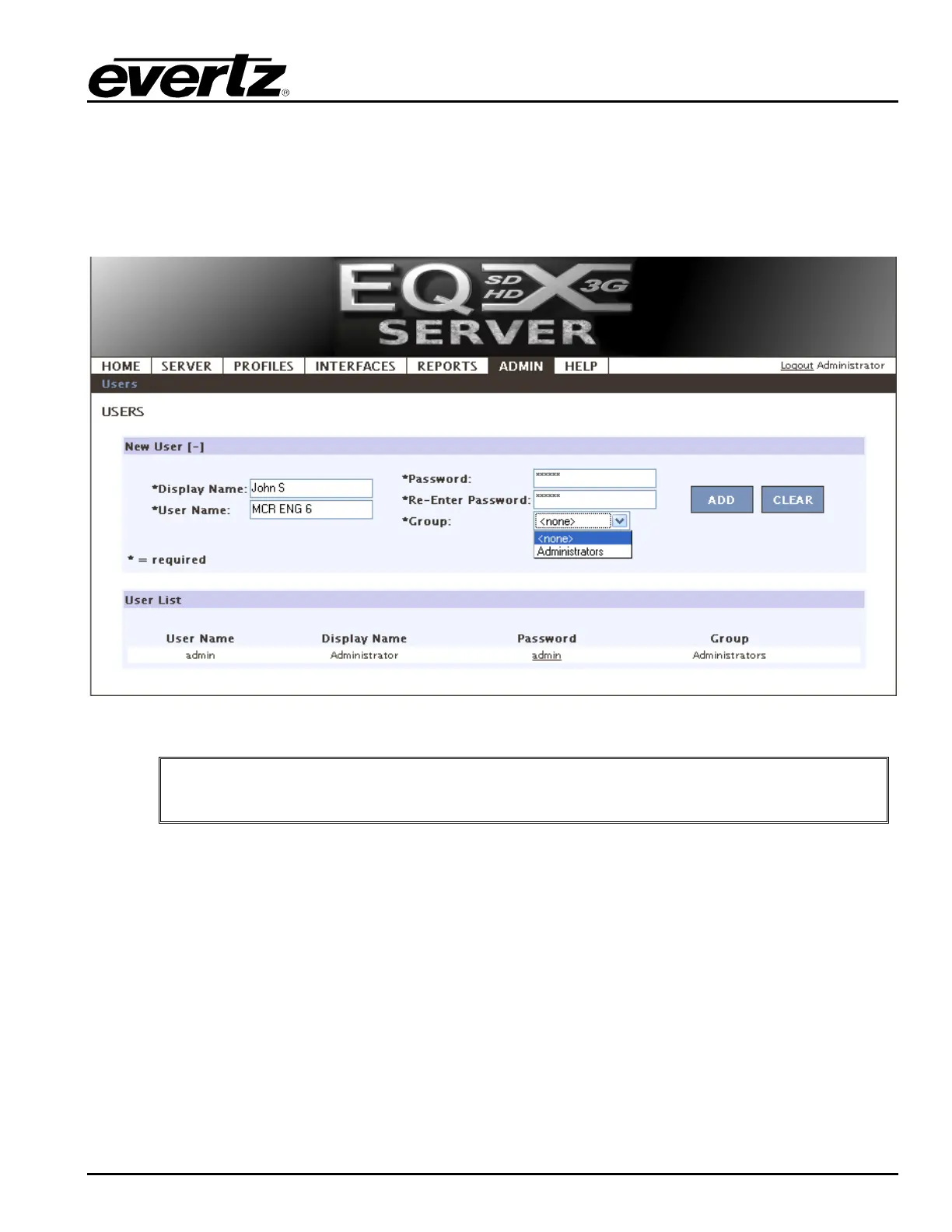
4.3.4. Web Config Tool Users
A core routing system is extremely powerful. With great power comes great responsibility, and as a result
managing who has access to view or change core information is key.
1. Add a user by typing in a display name, username and password.
2. Add the user to a group, currently either admin level or read only level.
3. Once complete, select the Add button.
Figure 4-36: Admin
"
Once complete be sure to return to the server change sets to upload any changes.



 To Next Page