Test Results
416 FTB-700G/800 Series
Summary (ISDN PRI)
Channel Buttons
The channel buttons allow the selection of a channel for which the
information is displayed. The selected channel has its button highlighted
with a blue border.
The top left corner of each button indicates the channel number on a
background color as follows. The color coding remains when the test is
stopped or when the call ends.
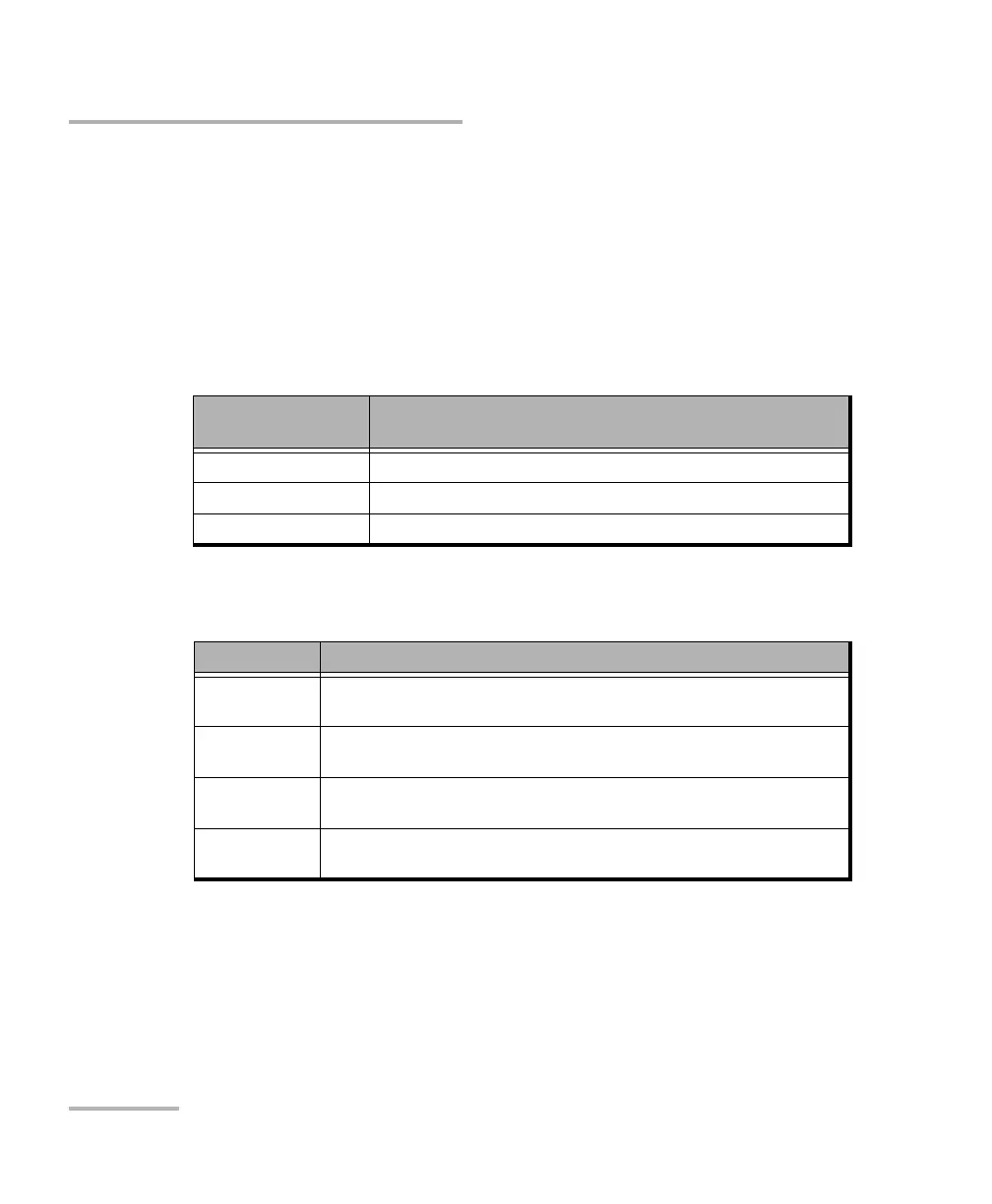
The channel buttons also used background colors as follows:
Channel Number
Background Color
Description
Yellow At least one alarm/error occurred during a data call.
Red An alarm/error occurred in the last second of a data call.
Green No alarm/error has occurred during a data call.
Button Description
Red An alarm/error occurred in the last second of a data call. The Status Bit
Error or Pattern is displayed.
Green No alarm/error has occurred in the last second of a data call. The status
No Alarm is displayed.
Blue Either a Speech or 3.1 kHz call is established, any call type is terminated,
or the test is stopped.
(Greyed Out)
Disabled
When a channel button is disabled, it implies that no call was established
on the channel after the test started.












 To Next Page