Graphical User Interface Overview
36 FTB-700G/800 Series
Zoomed-In/Zoomed-Out Views
Zoomed-In/Zoomed-Out Views
Some configuration and result blocks give access to zoomed views
allowing more detailed configurations/results.
The block title contains the magnifier (+) icon when a zoomed view is
available.
To zoom-in, tap the magnifier (+) icon or anywhere on the block.
To zoom-out, tap on the magnifier (-) icon or anywhere on the block title.
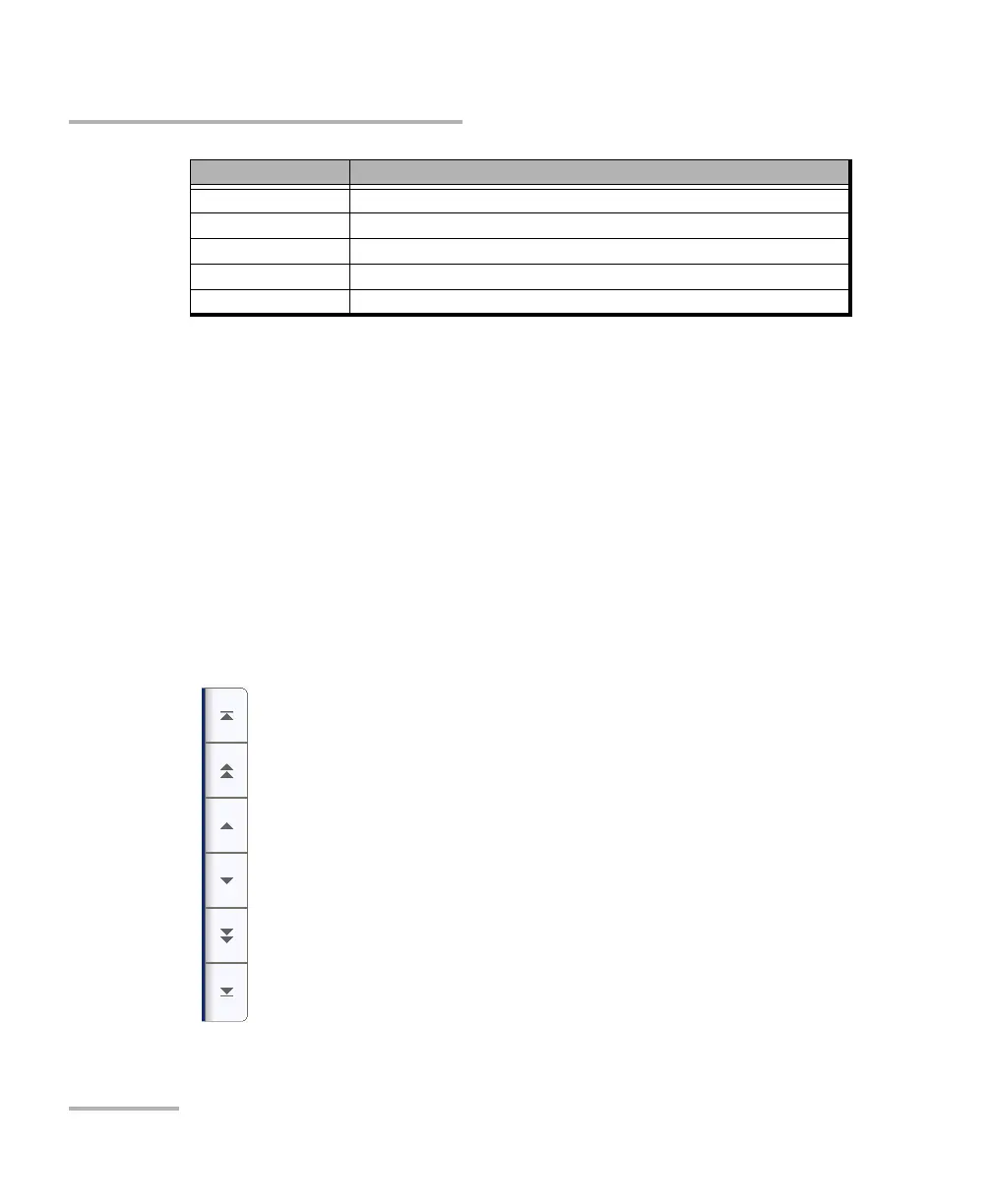
Arrow Buttons
LINK-OAM Link OAM
TST-OAM Test Over Service OAM
RFC6349 RFC 6349 test application (10GE and less)
ETH-CAPTURE Ethernet Frame Capture
ADV-FILTERS Advanced filtering
Software Option Description
Moves to the top of the list.
Moves one page up.
Moves one line up.
Moves one line down.
Moves one page down.
Moves to the end of the list.












 To Next Page