NetBlazer 73
7 Selecting and Starting a Test
A test can be created either by selecting the test from the Test Applications
tab or by loading a previously saved configuration (refer to Save/Load
Button on page 552 for more information).
Intelligent Apps
To select, configure, and start an Intelligent Application:
1. From the test menu, tap Setup.
2. From the Test Applications tab, under Intelligent Apps, tap a test
icon.
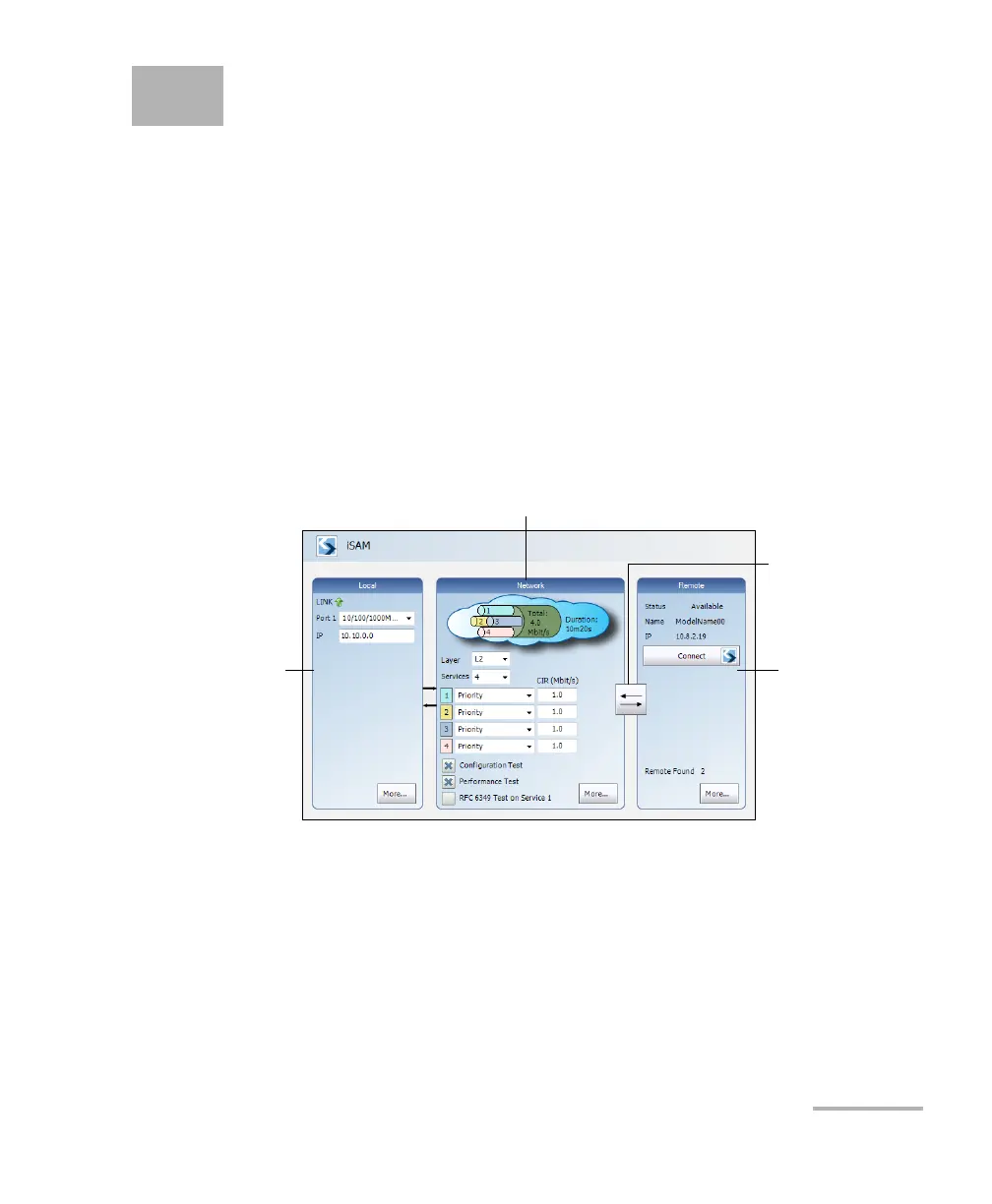
3. From the Test Configurator tab configure the interface structure and
its parameters.
3a. From the Local block, either select the basic port parameters or
click on More for all settings (refer to Interface (iSAM) on
page 158). Ensure that the link is up and the power level for
optical interface (when supported) is adequate in the status bar
before proceeding to the next step (refer to Status Bar on
page 28).
Remote
Operation Mode
Remote BlockLocal Block
Network Block












 To Next Page