Selecting and Starting a Test
74 FTB-700G/800 Series
Intelligent Apps
3b. From the Network block, either select the basic test parameters
or click on More for all settings (refer to Network Details (iSAM)
on page 191). The total bandwidth and the estimated test duration
are displayed.
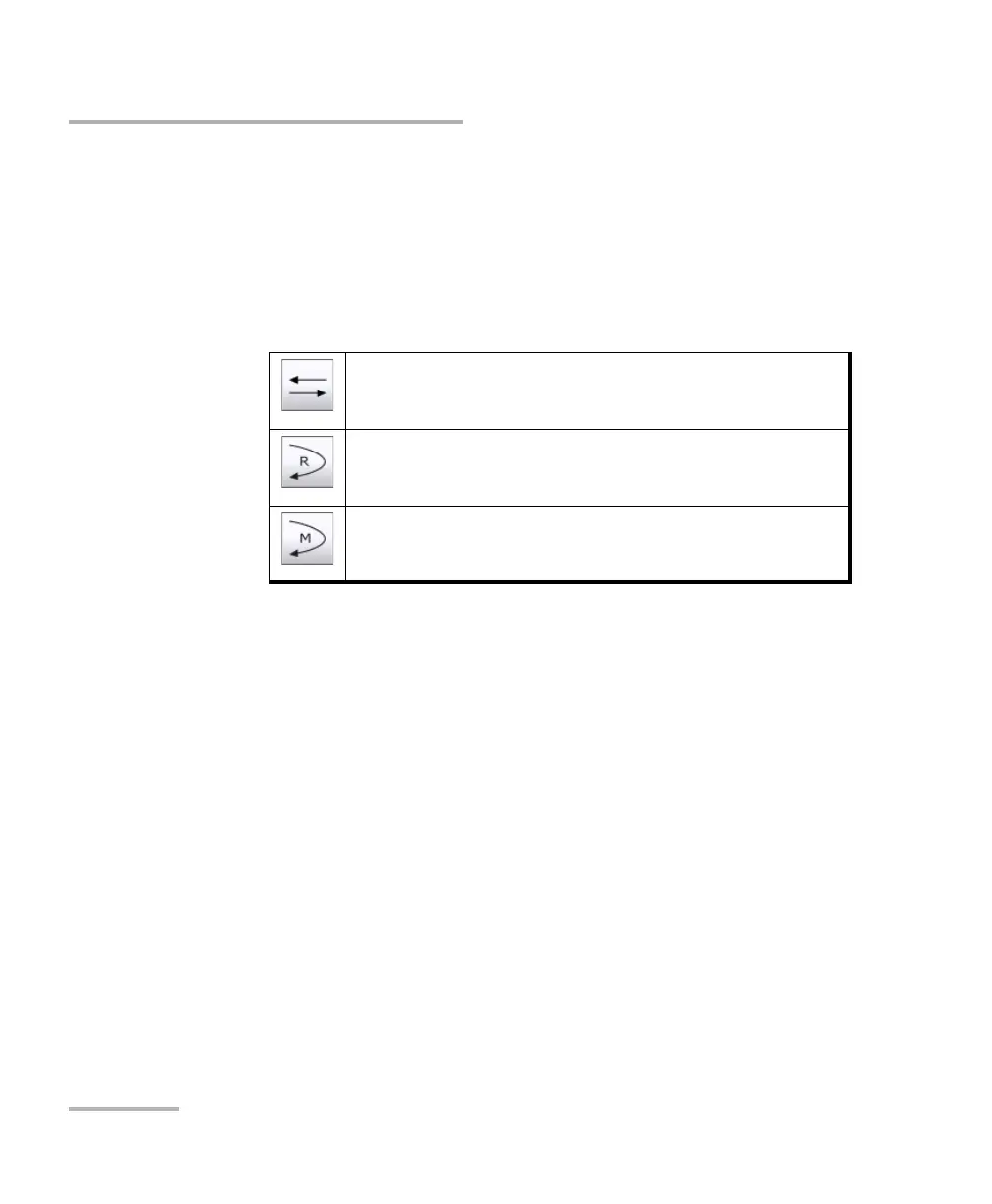
3c. Select the remote operation mode; DTS is automatically selected
when the RFC 6349 Test is enabled:
3d. From the Remote block, either select the basic remote
parameters or click on More for all settings (refer to Remote
Details (iSAM) on page 202).
Note: The iSAM test application uses Internal timing for clock synchronization.
DTS (Dual Test Set)
The remote device is automatically set in EtherSAM when the
connection/overtake is successfully established.
Remote Loopback
The remote device is automatically set in Smart Loopback when the
connection/overtake is successfully established.
Manual Loopback
The remote device is a physical loopback or has to be manually set in
loopback.












 To Next Page