Graphical User Interface Overview
28 FTB-700G/800 Series
Status Bar
Status Bar
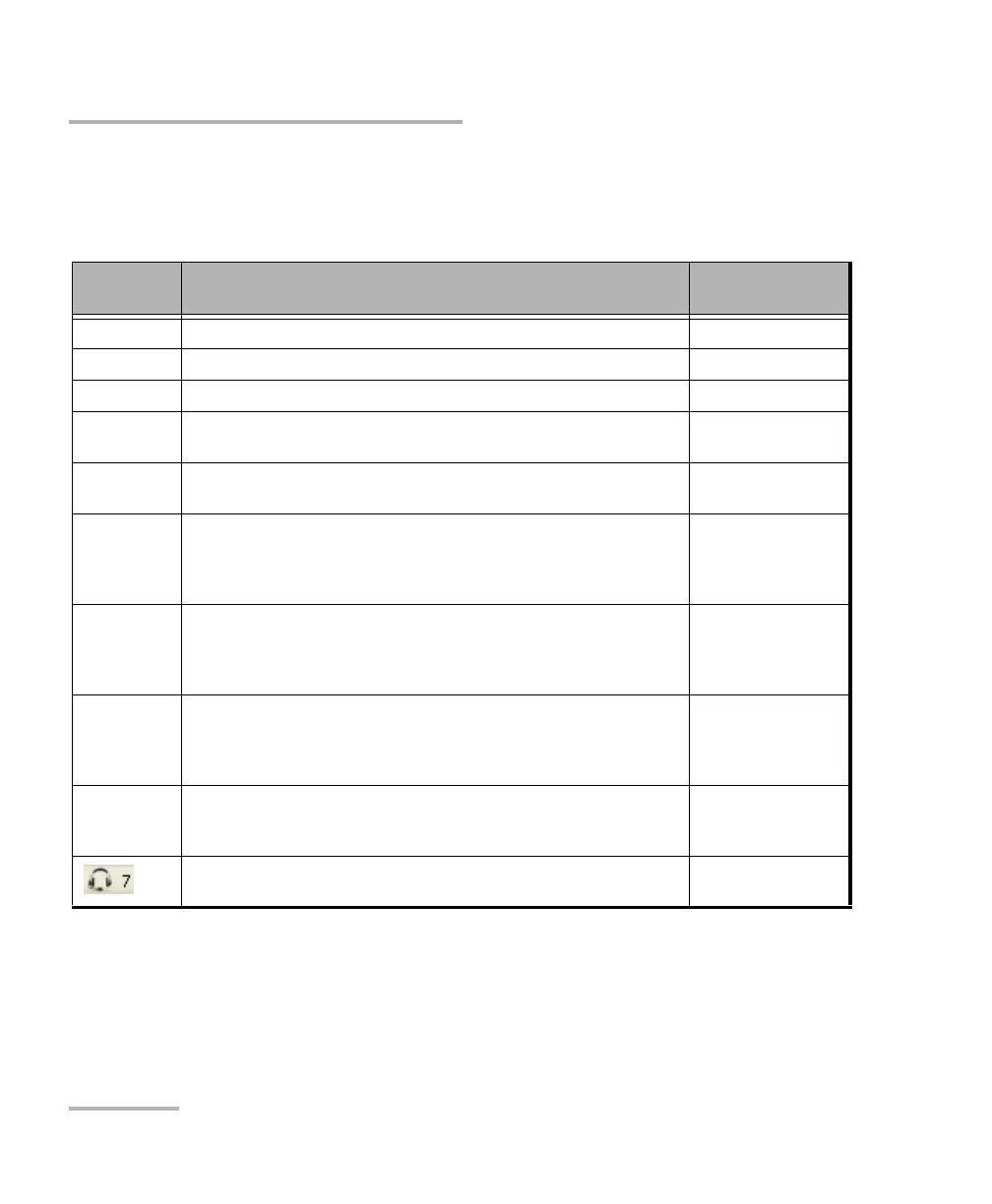
The status bar displays the following information.
Icon
and/or text
Description Test Application
Test icon Icon representing the active test application. All
P1, P2 Port number (Port 1 or Port 2) All
TX/RX, TX, RX Indicates the direction of the signal per port. Transport
Interface/
Signal
The interface or signal rate per port: 1GE Optical, OTU1, OTU2, etc. All
(BTS) or
(RRH)
BTS: Emulation mode is Base Station
RRH: Emulation mode is Remote Radio Head
CPRI/OBSAI BERT
LINK Green arrow: Link up.
Red arrow: Link down.
Gray arrow: Awaiting incoming data to provide a status.
Transport
Ethernet
Fibre Channel
CPRI/OBSAI BERT
PTP Green arrow: Signaling requests granted.
Red arrow: Request denied, session canceled, or no reply.
Gray arrow: Pending or inactive.
Refer to Negotiation Status on page 398 for more information.
1588 PTP
ESMC Green arrow: ESMC valid information frame received.
Red arrow: No ESMC valid information frames received.
Gray arrow: Pending state.
Refer to ESMC Monitoring on page 274 for more information.
SyncE
D-Channel The channel used as the D-channel to transmit signalling information.
Green arrow: Link up
Red arrow: Link down.
ISDN PRI
B-Channel #x is configured as a Speech or 3.1 kHz channel ISDN PRI












 To Next Page