Managing Data
MaxTester Series 99
Connecting to a Wireless Network
To connect to a wireless network:
1. If it is not already done, share all the required folders on your
computer. If you are not sure on how to proceed, contact your network
administrator.
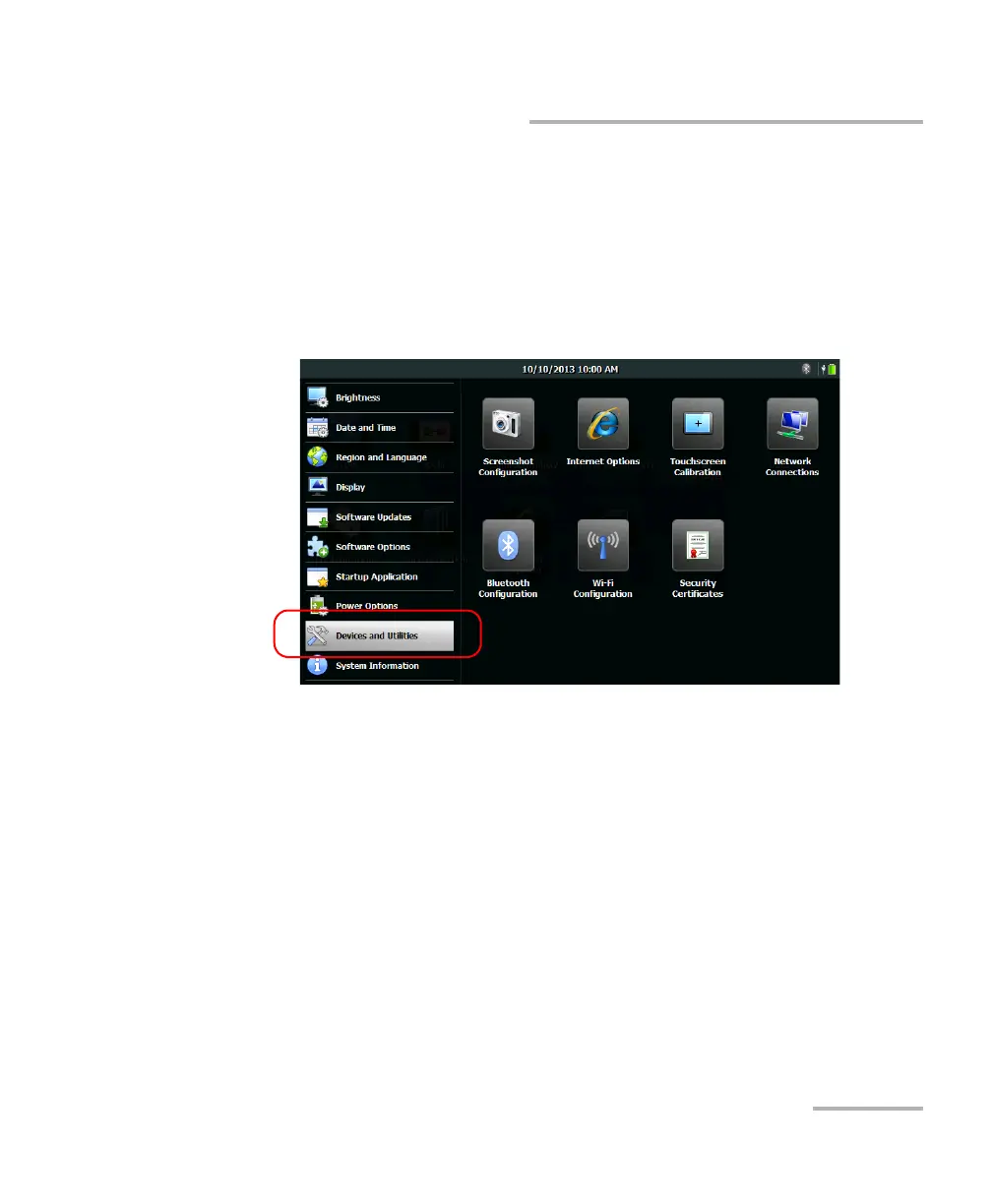
2. On your unit, from the Home screen, tap Configuration.
3. Tap Devices and Utilities.
4. Tap Wi-Fi Configuration.
Note: The Wi-Fi Configuration icon is only visible on units that support wireless
communication, and that are equipped with the optional wireless module.
5. Ensure that the Enable Wi-Fi and Bluetooth check box is selected.












 To Next Page