Setting Up Your Unit
MaxTester Series 59
Configuring the Internet Options
Configuring the Internet Options
You can browse the Web directly from your unit, provided that you have
access to an Internet connection and that the Internet options are
configured properly.
If you are not sure about how to configure your Internet access, contact
your network administrator.
To configure the Internet options:
1. From the Home screen, tap Configuration.
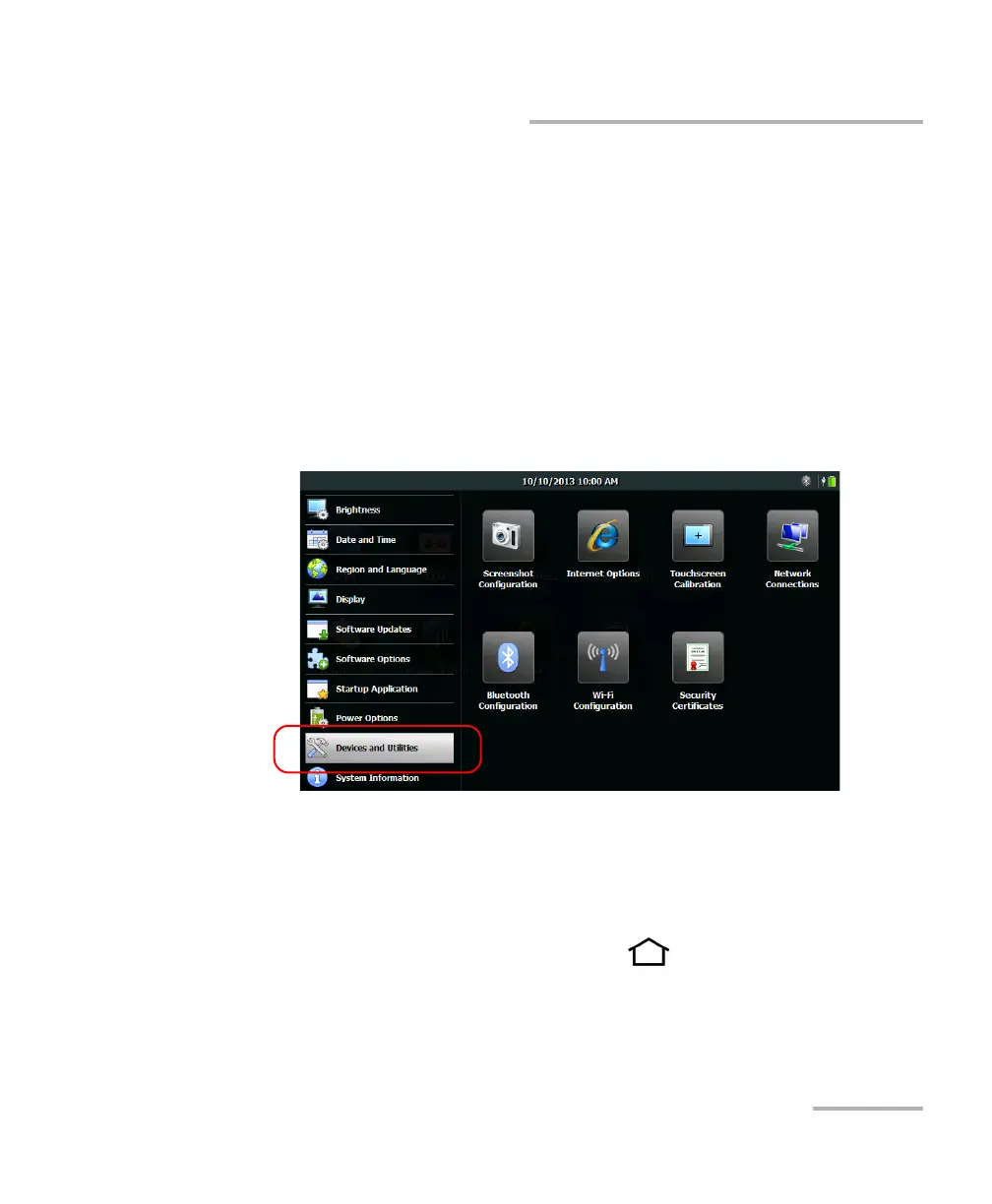
2. Tap Devices and Utilities.
3. Tap Internet Options.
4. Go to the Connection tab.
5. Modify the settings using the information provided by your network
administrator.
6. From the unit’s front panel, press the button to return to the
Home screen.
The new values are taken into account immediately.












 To Next Page