Troubleshooting
148 MaxTester Series
Viewing System Information
Viewing System Information
You can easily access important information such as serial numbers, or
version numbers for kits and components directly from your unit. You can
also find the contact information if you ever need to reach EXFO.
Retrieving the Serial Numbers
Your unit may display one or more serial numbers, depending on the test
instruments that you have.
To retrieve the serial numbers:
1. From the Home screen, tap Configuration.
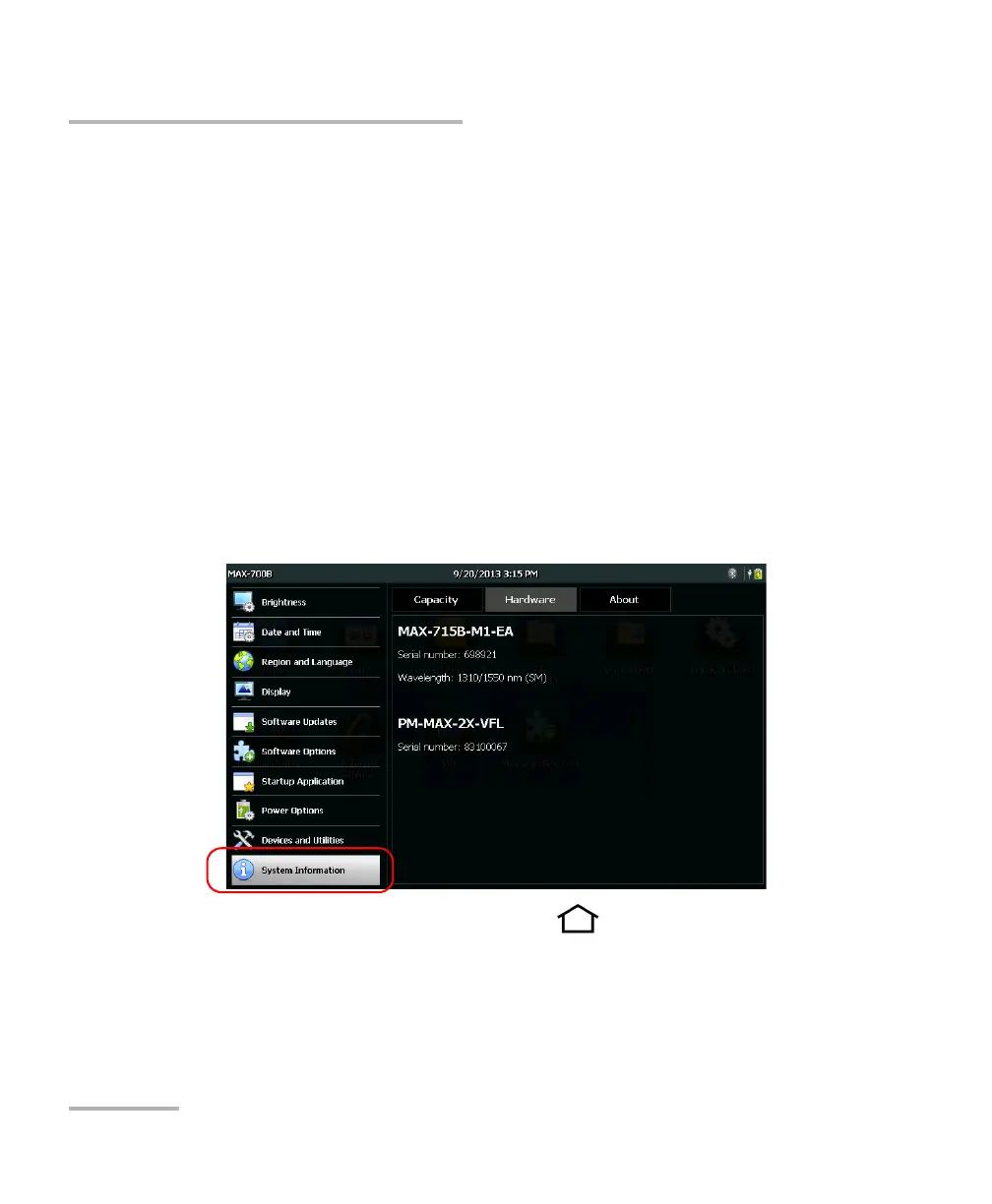
2. Tap System Information > Hardware.
The serial numbers are all listed.
3. From the unit’s front panel, press the button to return to the
Home screen.












 To Next Page