Setting Up Your Unit
64 MaxTester Series
Configuring the Network Settings
Configuring the Network Settings
You can configure the various network settings that your unit uses to
connect to the network or to the Internet. By default, the IP address of the
unit is assigned dynamically (automatically) by a DHCP server on your
network. However, if you prefer, you can define your own static IP address.
Note: If you are not sure on how to proceed or need more information about the
configuration, contact your network administrator.
To configure the network settings:
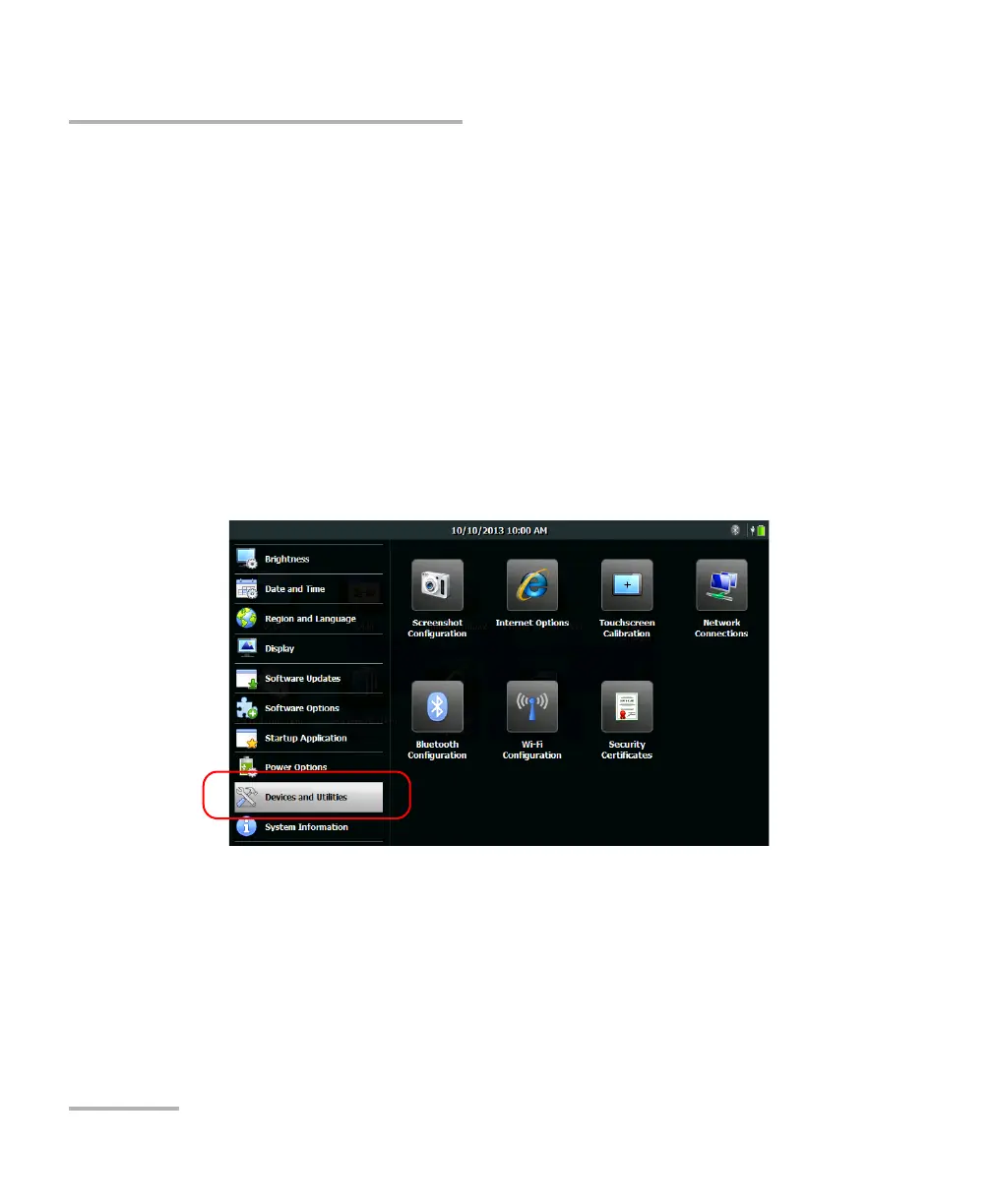
1. From the Home screen, tap Configuration.
2. Tap Devices and Utilities.
3. Tap Network Connections.












 To Next Page