Setting Up Your Unit
MaxTester Series 63
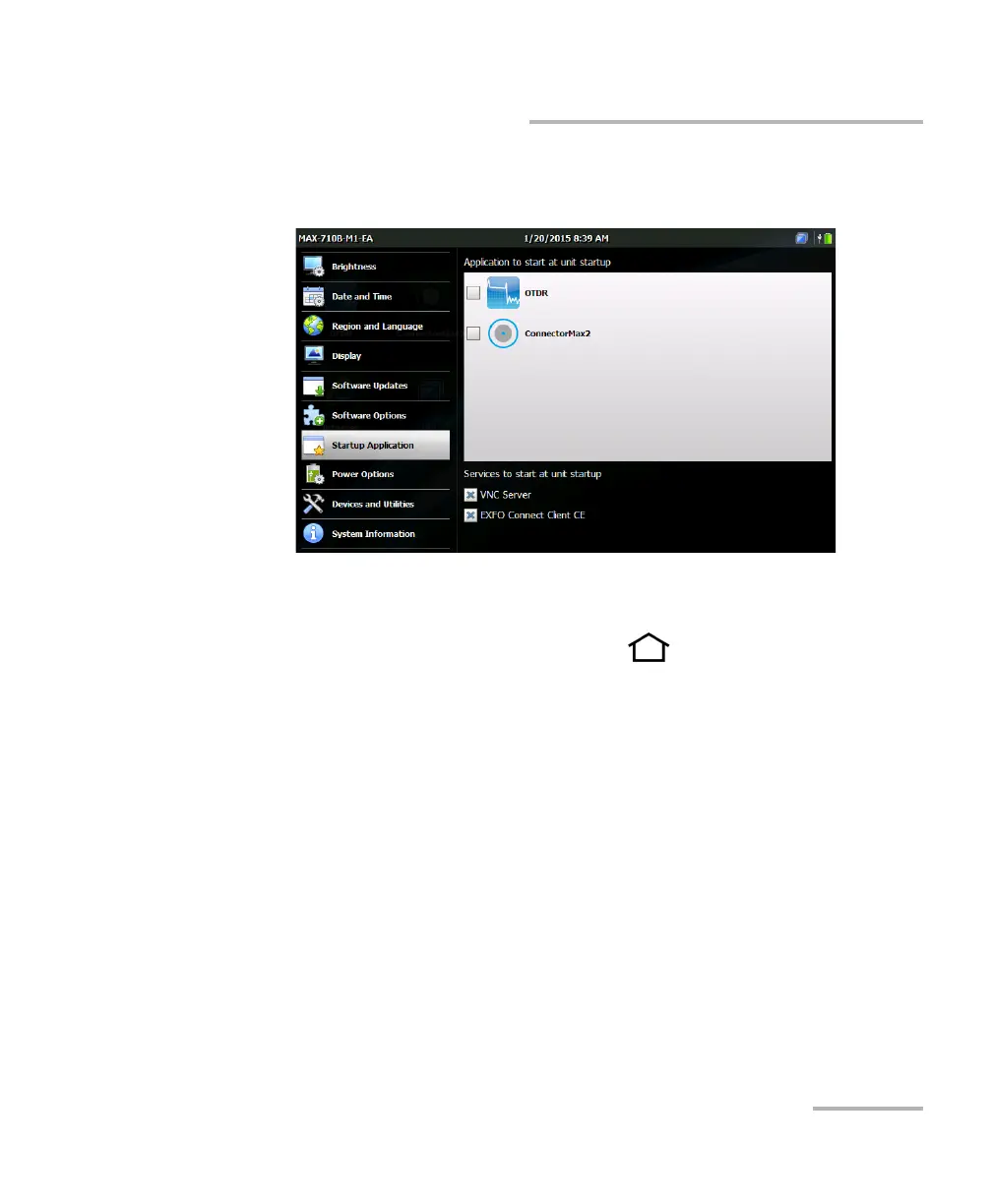
Selecting the Startup Application
3. Select the application and/or the service you want to start
automatically when you turn on your unit.
Note: You can select more than one service, but only one application at a time.
4. From the unit’s front panel, press the button to return to the
Home screen.
Your selection will be taken into account next time you restart the unit.












 To Next Page