Accessing Your Unit Remotely
MaxTester Series 121
Configuring VNC Server to Start Automatically
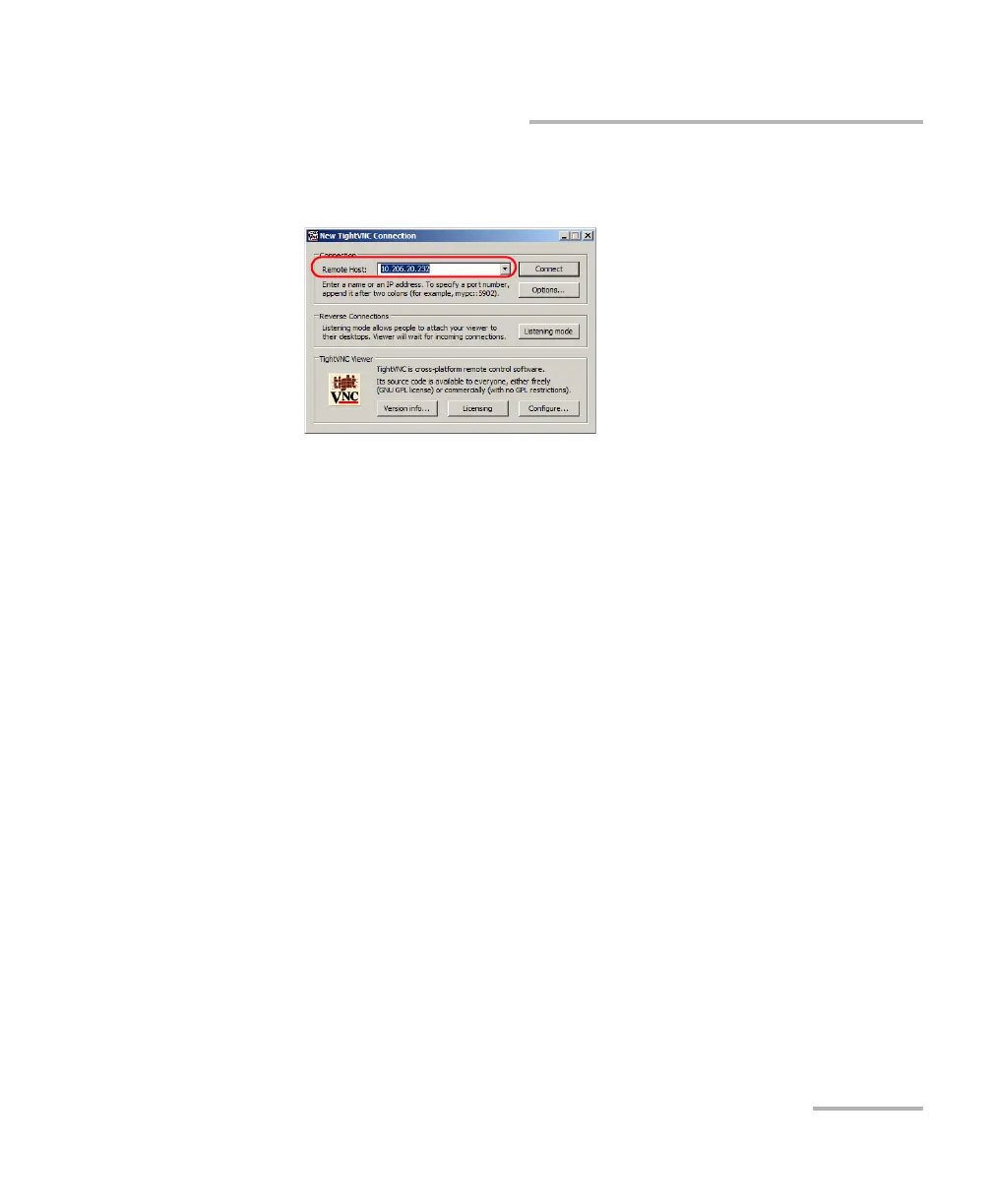
8. In the Remote Host list, type the IP address of your unit that you wrote
down at step 4.
Note: The appearance of the TightVNC Viewer window may vary depending on
the version of the viewer that you have.
9. Click Connect.
10. If the application prompts you for a password, enter it and click OK to
confirm.
Configuring VNC Server to Start Automatically
By default, the VNC Server is not started automatically when you turn on
your unit. However, you can modify this setting. This is especially useful if
you need to remotely connect to your unit without having the unit close at
hand.
If you want VNC Server to start automatically when you turn on your unit,
see Selecting the Startup Application on page 62.












 To Next Page