Managing Data
MaxTester Series 105
Managing Security Certificates
Managing Security Certificates
You can import, view, or delete the certificates and private keys that are
used for server and user authentication directly from your unit. The security
certificates that are required depend on your network configuration.
Contact your network administrator for more information.
To manage security certificates:
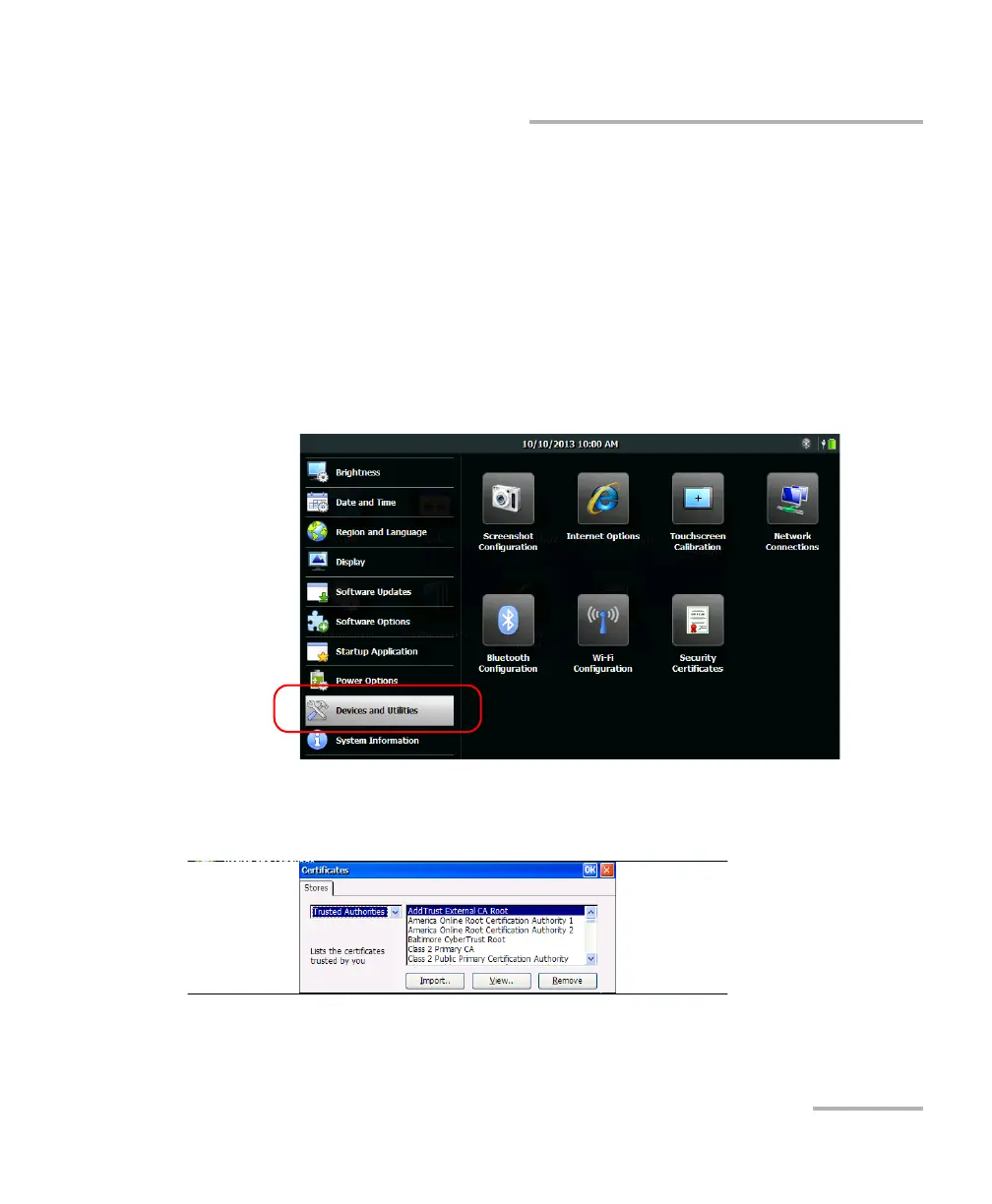
1. From the Home screen, tap Configuration.
2. Tap Devices and Utilities.
3. Tap Security Certificates.
4. Import, view, or remove the certificates as needed.
5. When you have finished, tap OK.












 To Next Page