Managing Data
104 MaxTester Series
Enabling or Disabling the Wi-Fi and Bluetooth
®
Module
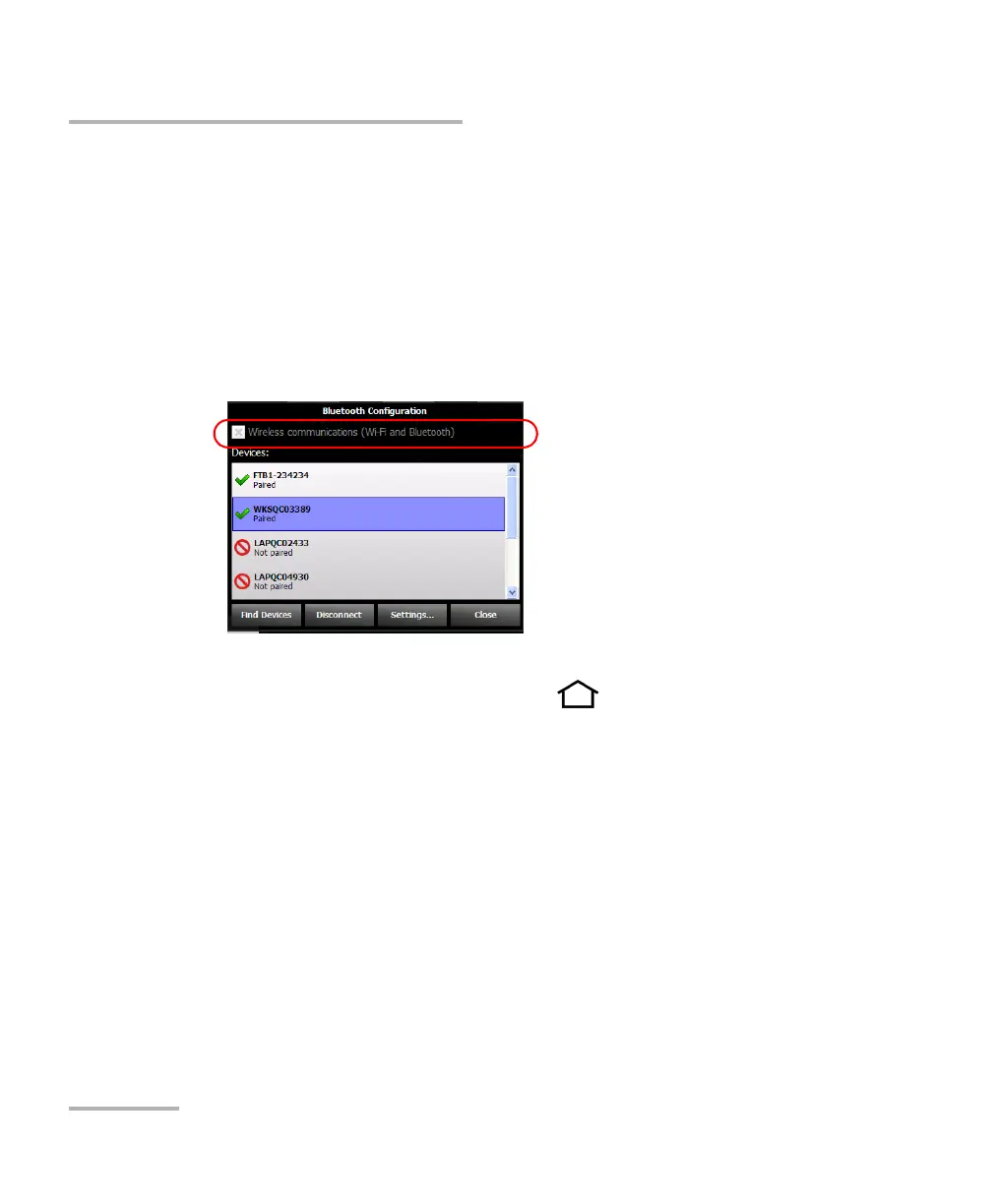
3. Tap Bluetooth Configuration or Wi-Fi Configuration.
Note: The Bluetooth Configuration and Wi-Fi Configuration icons are only
visible on models that support wireless communication, and that are
equipped with the optional wireless module.
4. Select the Wireless and Bluetooth communication check box if you
want to enable wireless communication, or clear it if you want to
disable it.
5. Tap Close to return to the Configuration window.
6. From the unit’s front panel, press the button to return to the
Home screen.
The new selection is taken into account immediately.












 To Next Page