Setting Up Your Unit
46 MaxTester Series
Selecting the Layout of the On-Screen Keyboard
Selecting the Layout of the On-Screen
Keyboard
You can select the layout of the on-screen keyboard. By default, the
keyboard layout is set to QWERTY, but you can select any of the provided
layouts.
If you prefer, you can also hide the virtual keyboard so that it is not
displayed when you select a location where data entry is possible. This
could be particularly useful if you do not wish to view the on-screen
keyboard when you connect a hardware keyboard to your unit, or when
you access your unit remotely via VNC.
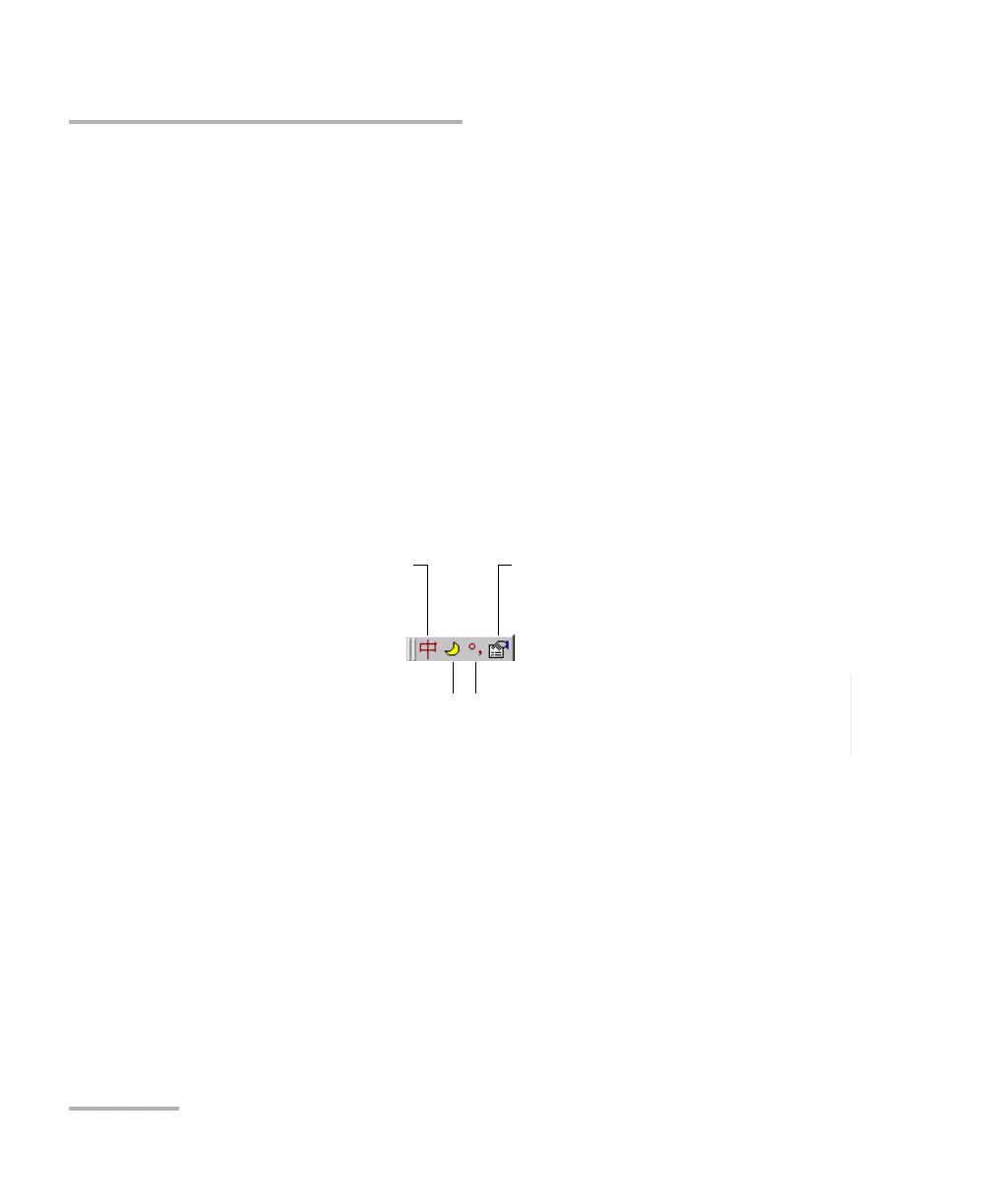
If you select the QWERTY (Pinyin) layout, in addition to the virtual
keyboard, the following floating toolbar is displayed.
To switch between English and Chinese
(input language)
To switch between half-width and
full-width characters
To switch between English and
Chinese punctuation
To access other properties












 To Next Page