Setting Up Your Unit
MaxTester Series 47
Selecting the Layout of the On-Screen Keyboard
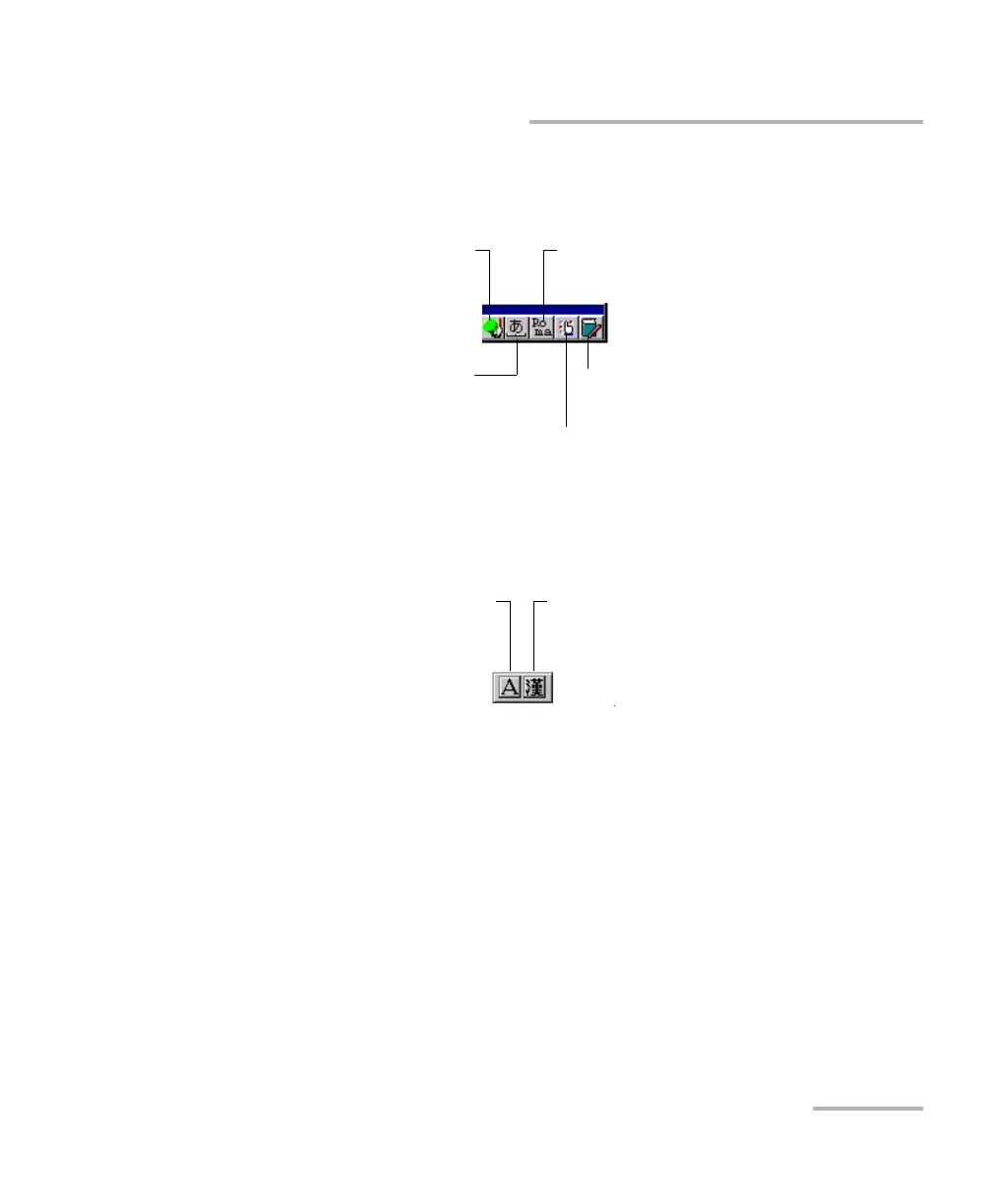
If you select the QWERTY (Japanese) layout, in addition to the virtual
keyboard, the following floating toolbar is displayed.
If you select the Hangul layout, in addition to the virtual keyboard, the
following floating toolbar is displayed.
Note: If the Pinyin, Japanese or Hangul toolbar are not visible, they could be
hidden under the virtual keyboard. In this case, simply move the virtual
keyboard until you can see the toolbar. Once the toolbar is visible, you can
move it to a location of your choice on the screen.
To display suggestions based on the
characters entered on the keyboard
To switch between half-width and
full-width characters
To manage the dictionaries
Use Roma to enter characters on
the keyboard
To manage the words available in the
lists of suggestions
To switch between English and Korean
(input language)
To access other characters












 To Next Page