Setting Up Your Unit
48 MaxTester Series
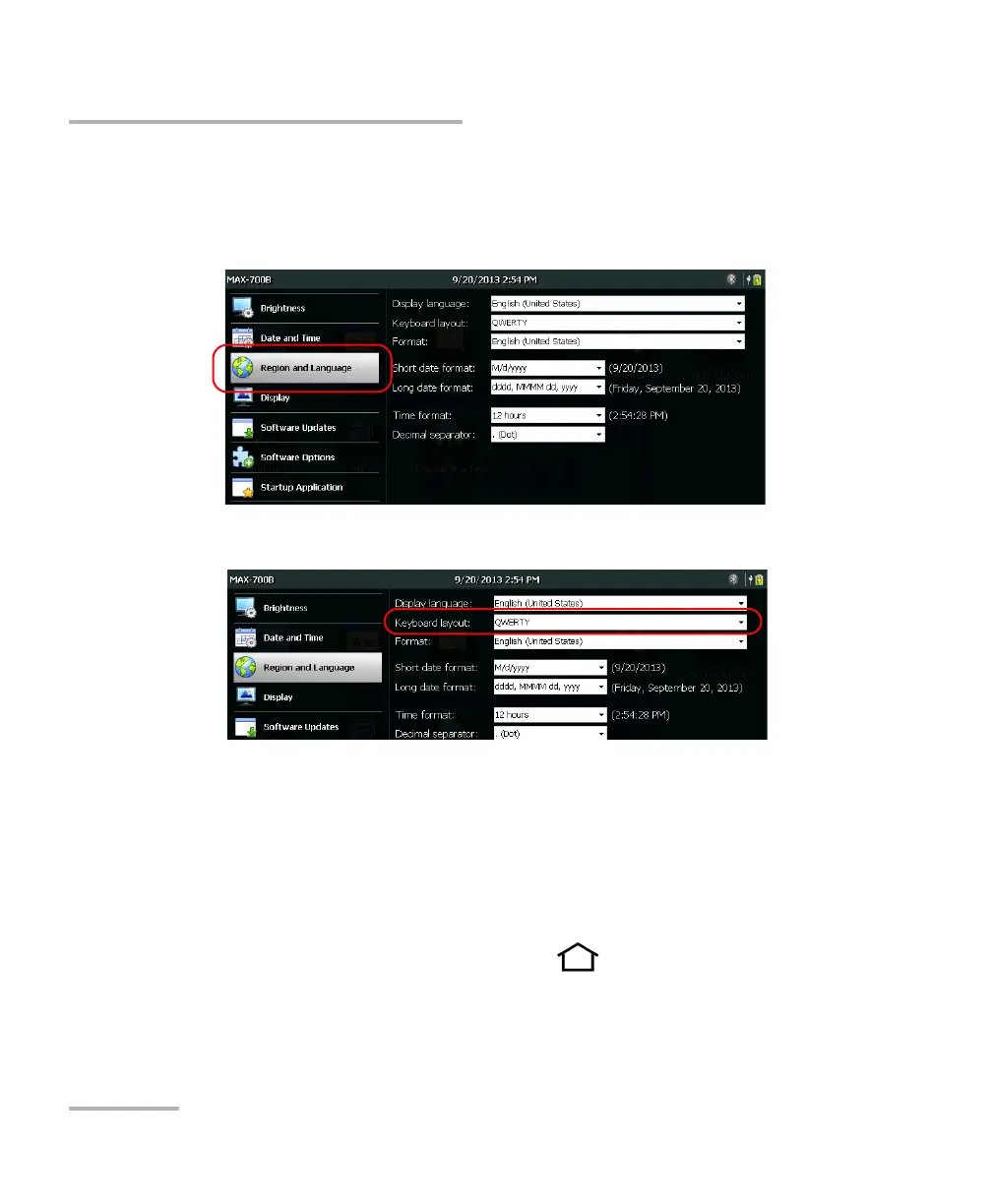
Selecting the Layout of the On-Screen Keyboard
To select the layout of the on-screen keyboard:
1. From the Home screen, tap Configuration.
2. Tap Region and Language.
3. From the Keyboard layout list, select the desired layout.
Note: If you want to hide the keyboard, select None. If you want to display it
again, select any other layout.
Note: Switching from a given keyboard layout to a QWERTY (Pinyin), QWERTY
(Japanese) or Hangul layout (or vice versa) requires that you restart your
unit manually.
4. From the unit’s front panel, press the button to return to the
Home screen.
The on-screen keyboard will use the new layout next time you need to
enter data.












 To Next Page