MaxTester Series 41
4 Setting Up Your Unit
Adjusting Brightness
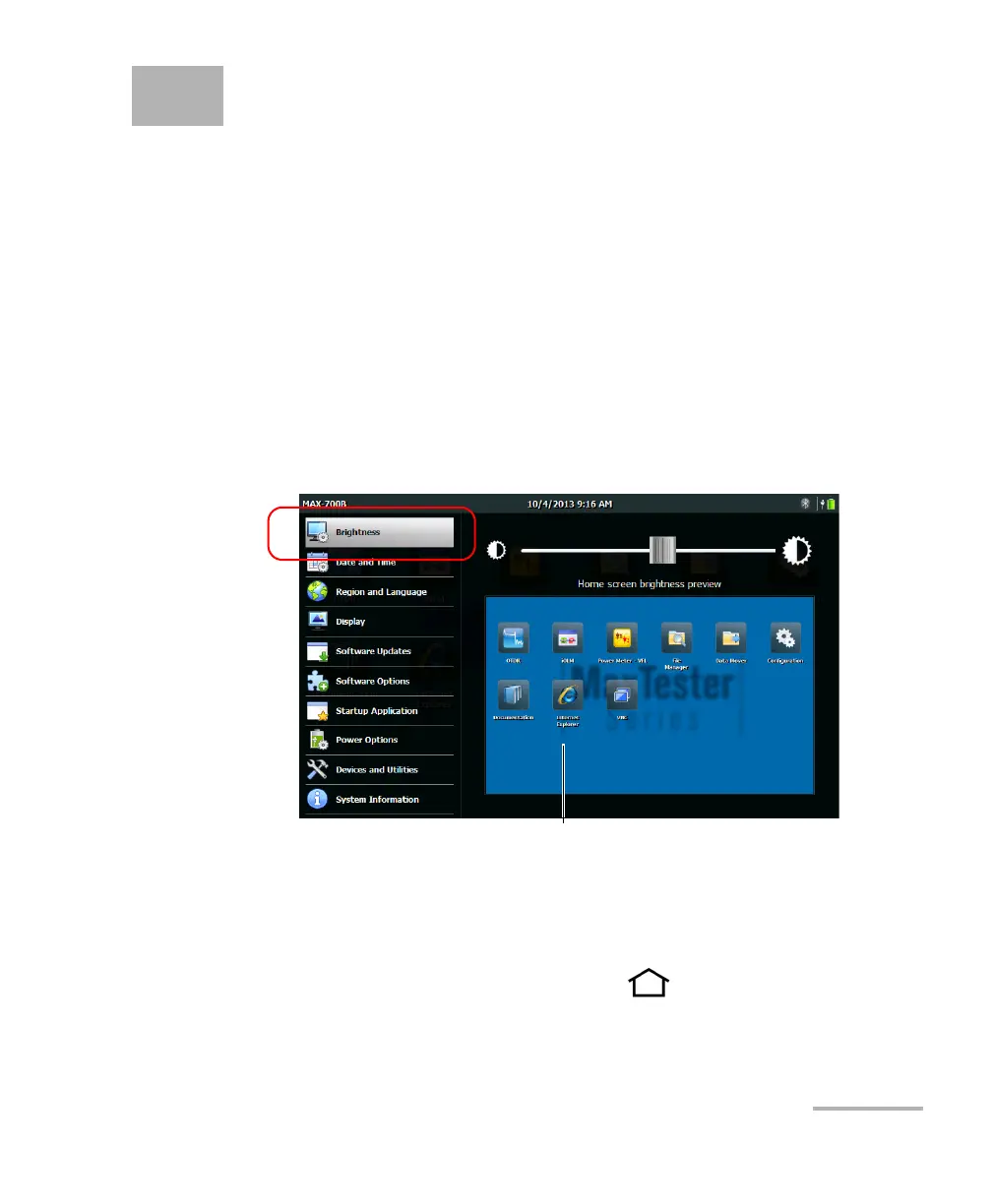
To fit your work environment, you may adjust the LCD brightness. You can
adjust brightness with a slider for more accuracy, or with shortcuts to go to
the medium (50 %) or maximum brightness level quickly. Values are kept
in memory even when you turn the unit off.
If you want to set the delay after which the display is dimmed to save
power, see Configuring the Power Management Options on page 57.
To adjust the display brightness:
1. From the Home screen, tap Configuration.
2. Tap Brightness.
3. Move the slider until the screen appearance is to your liking.
The new brightness value is taken into account immediately.
4. From the unit’s front panel, press the button to return to the
Home screen.
To help you view the changes in brightness in
real time












 To Next Page