Setting Up Your Unit
42 MaxTester Series
Adjusting Brightness
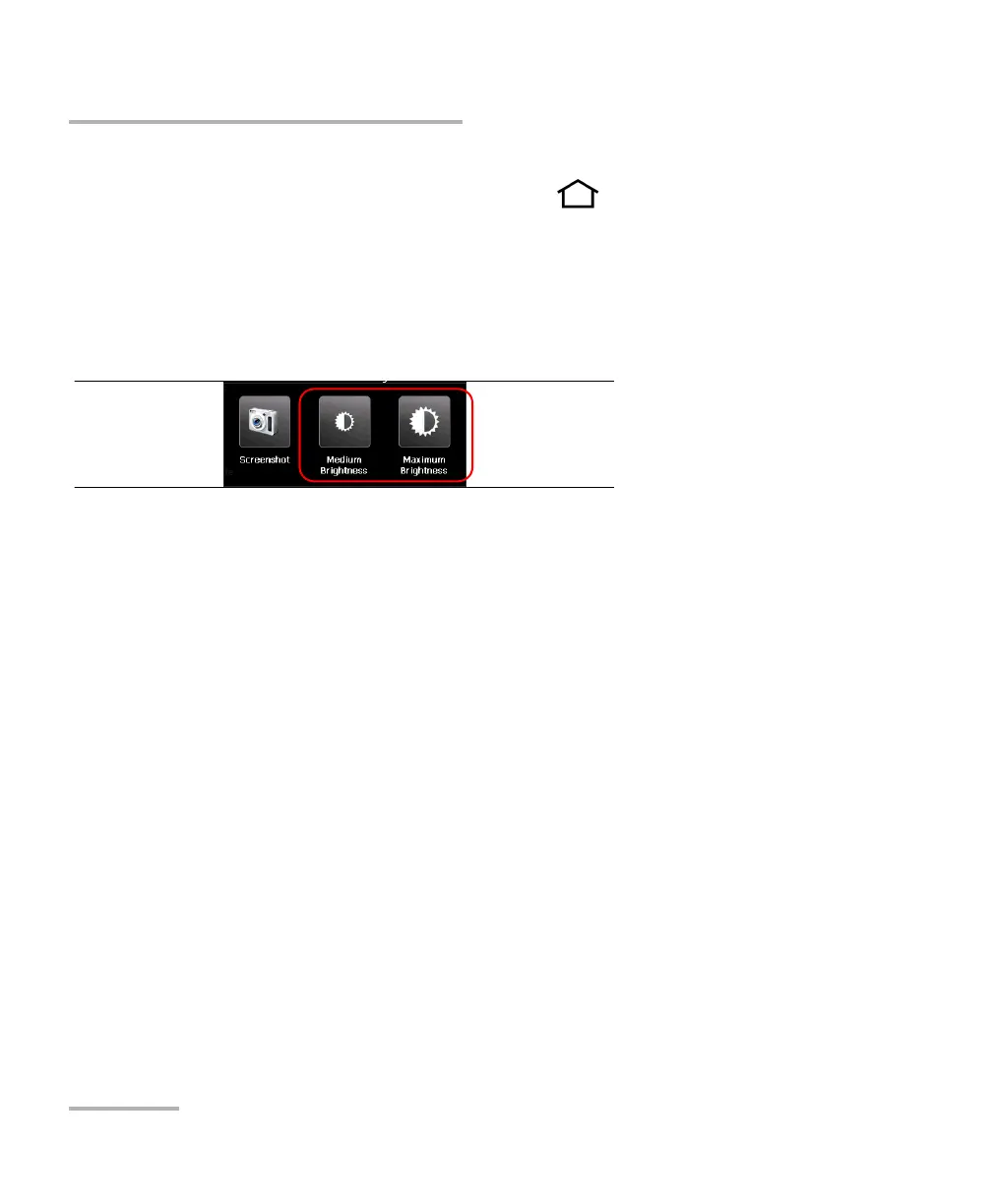
To quickly set the brightness to the medium or maximum level:
1. From the unit’s front panel, press the button for two seconds.
Note: Once you have press the button, the brightness is set to the maximum value
temporarily to ensure optimal readability.
2. From the shortcut toolbar, tap the button corresponding to the desired
brightness level.
The new brightness value is taken into account immediately.












 To Next Page