Managing Data
MaxTester Series 103
Enabling or Disabling the Wi-Fi and Bluetooth
®
Module
Enabling or Disabling the Wi-Fi and
Bluetooth
®
Module
By default, the Wi-Fi and Bluetooth
®
module is enabled on units that are
equipped with the corresponding option.
However, if you do not intend to transfer files via Bluetooth
®
or to work
with a wireless network for a certain period of time, you may wish to
disable the module to extend battery life. You may also wish to turn off
wireless communication for a while (“airplane mode”).
As soon as you disable the wireless module, both the Wi-Fi and Bluetooth
®
capabilities are disabled.
You can enable the module again at any time.
To enable or disable the Wi-Fi and Bluetooth
®
module:
1. From the Home screen, tap Configuration.
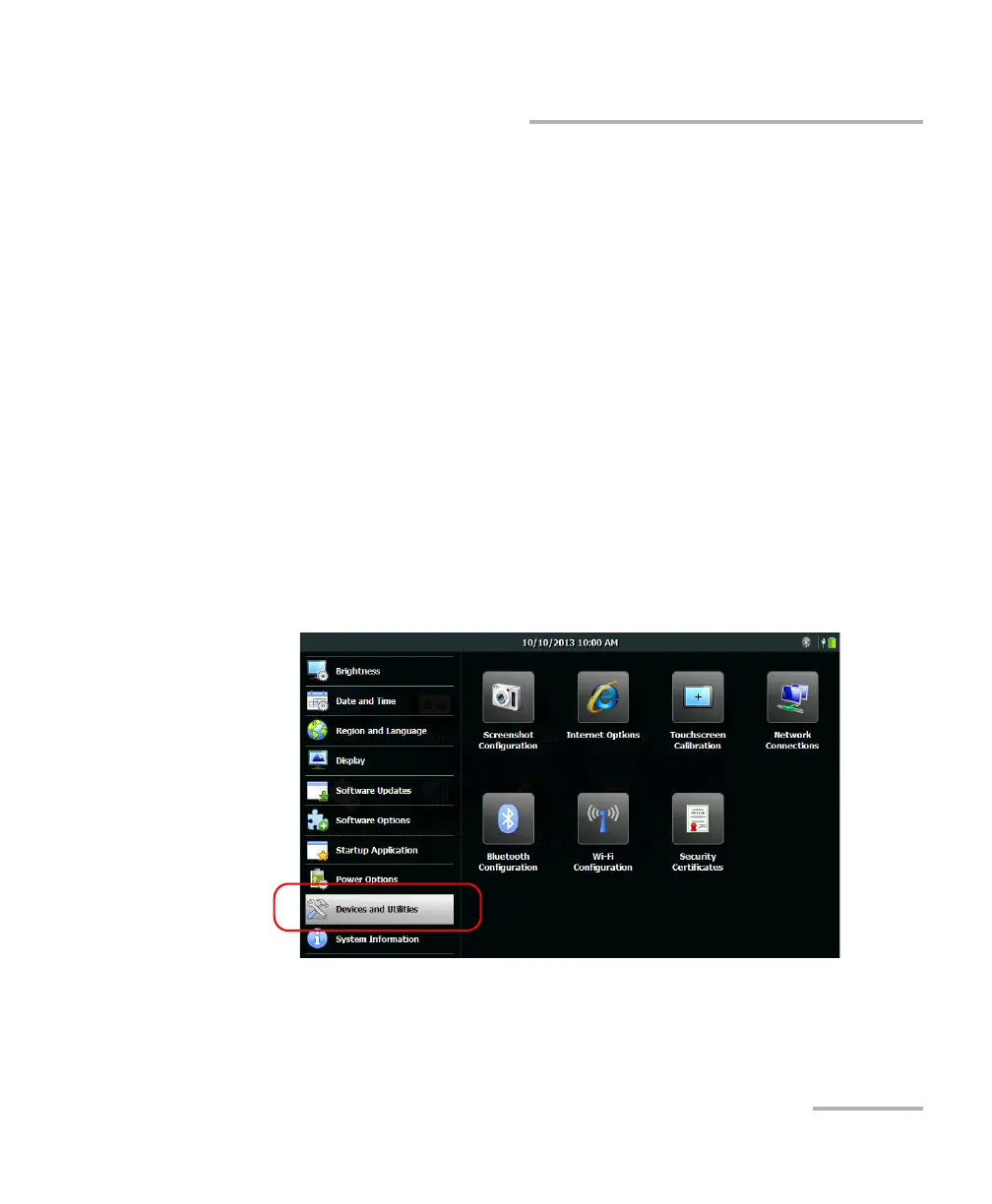
2. Tap Devices and Utilities.












 To Next Page