Managing Data
102 MaxTester Series
Connecting to a Wireless Network
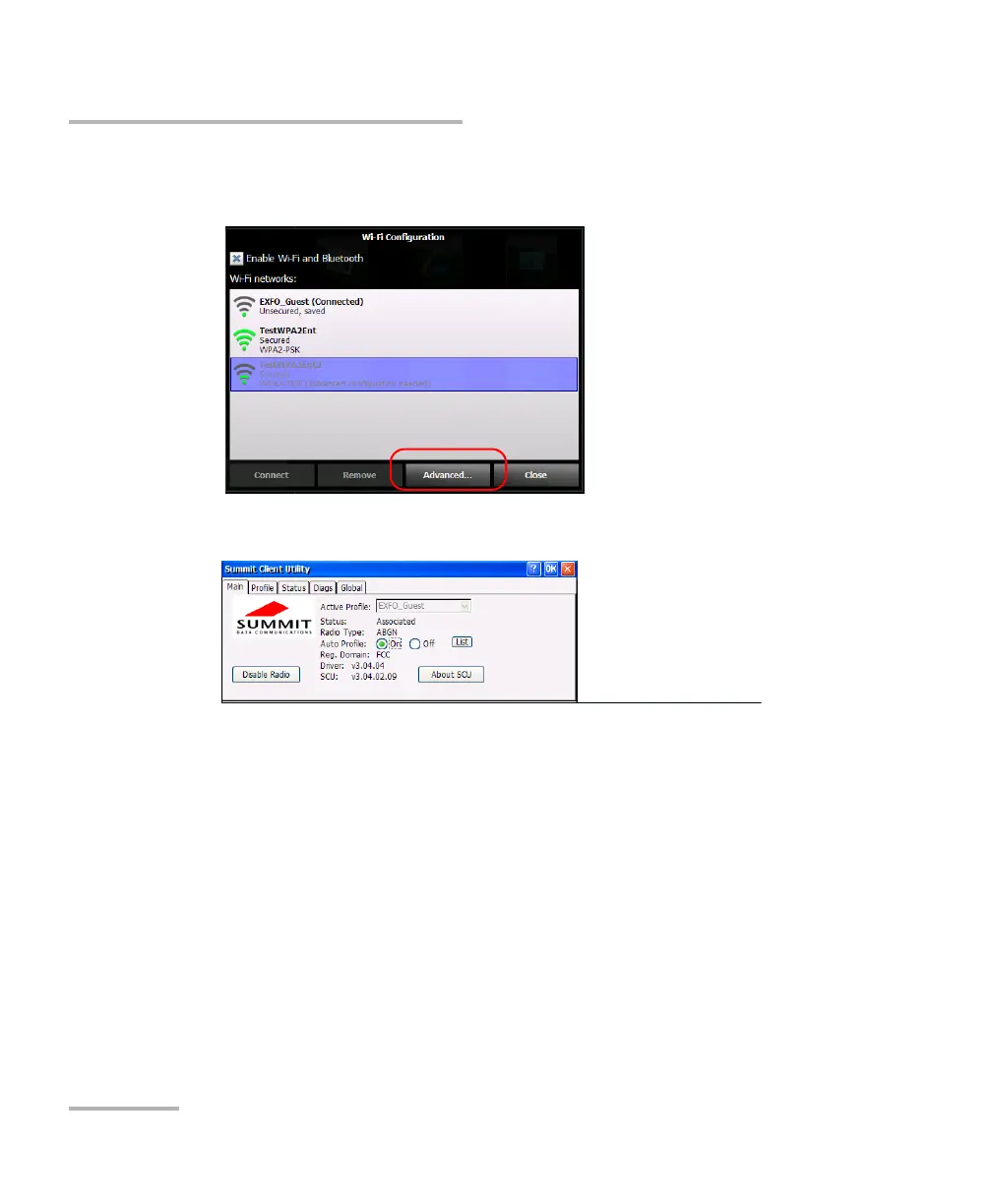
5. Tap Advanced to access the configuration tool.
The Wi-Fi Configuration window is closed automatically.
6. Set the parameters as needed.
Note: Depending on the type of protocol that you select, you may have to use
security certificates for authentication. For more information on the
importation of such certificates in your unit, see Managing Security
Certificates on page 105.
7. When the configuration is complete, tap OK to close the configuration
window.
You are now ready to connect to the wireless network for which you have
configured the connection parameters.












 To Next Page