Setting Up Your Unit
52 MaxTester Series
Setting the Decimal Separator
Setting the Decimal Separator
By default, the decimal separator used in numeric values corresponds to
the one associated with the global language format (locale). However, you
can select another decimal separator if you prefer.
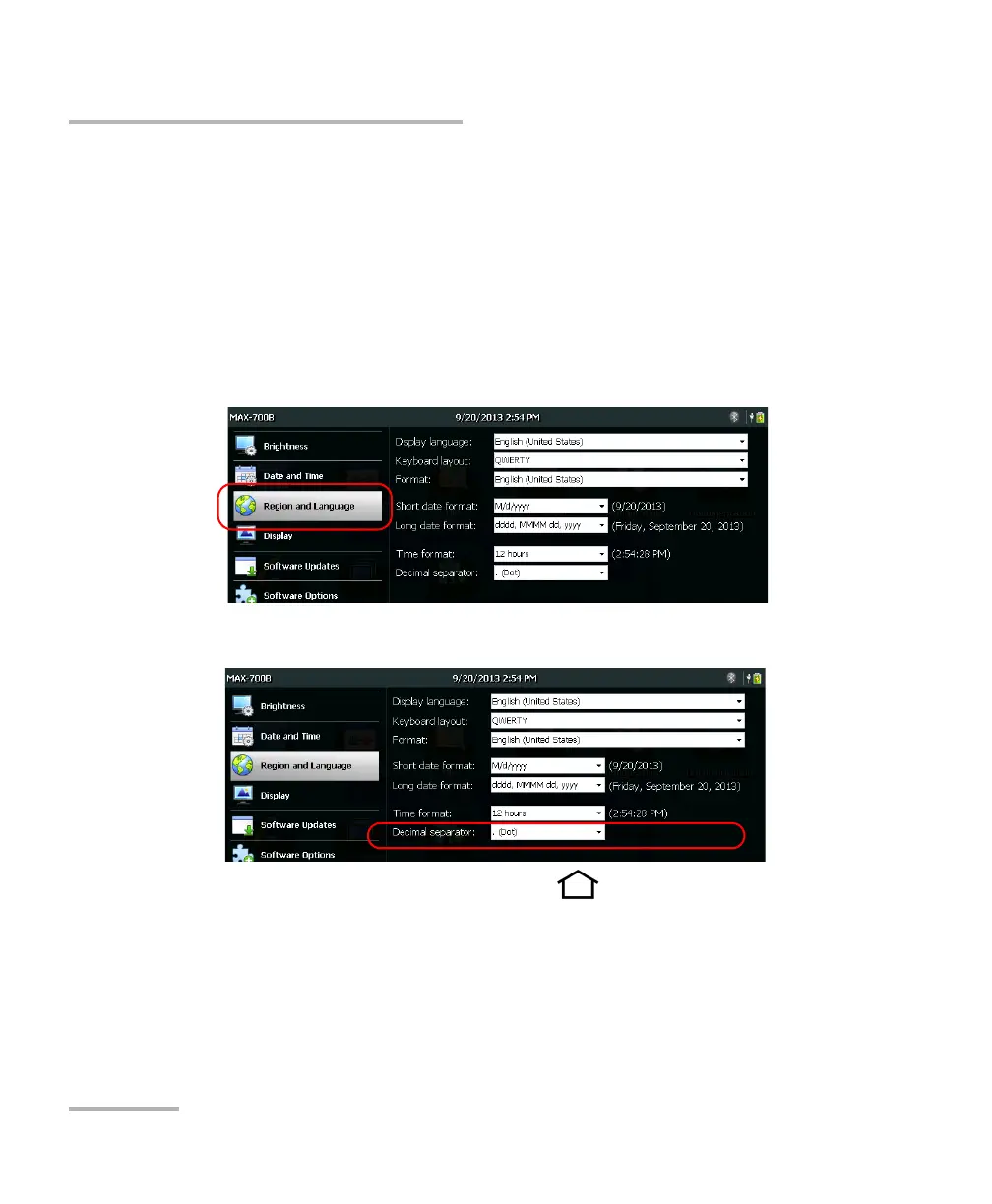
To set the decimal separator:
1. From the Home screen, tap Configuration.
2. Tap Region and Language.
3. From the Decimal separator list, select the desired separator.
4. From the unit’s front panel, press the button to return to the
Home screen.
The new value is taken into account immediately.












 To Next Page