Setting Up Your Unit
44 MaxTester Series
Selecting the Language of Operation
Selecting the Language of Operation
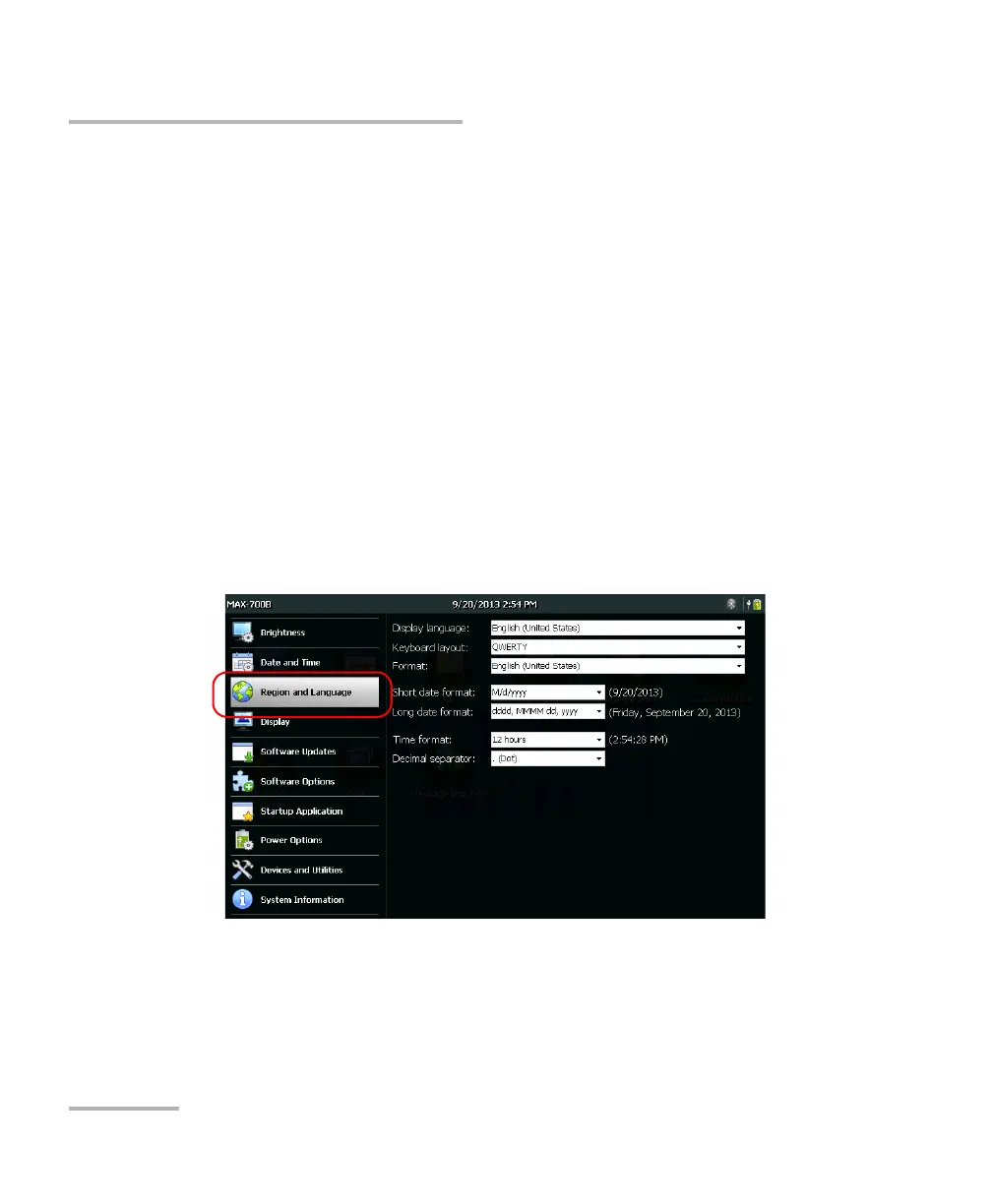
You may display the user interface in one of the available languages
(default is English). The value is kept in memory even when you turn the
unit off.
Note: Certain applications or tools may not be offered in all languages.
Note: Changing the interface language has no effect on the keyboard layout. This
means that you may have to change the layout manually if it no longer
suits your needs (see Selecting the Layout of the On-Screen Keyboard on
page 46).
To select a new interface language:
1. From the Home screen, tap Configuration.
2. Tap Region and Language.












 To Next Page