Accessing Your Unit Remotely
MaxTester Series 119
Connecting to Your Unit with TightVNC
Connecting to Your Unit with TightVNC
Once the TightVNC Viewer is installed on your computer, you are ready to
access your unit remotely.
To connect to your unit with TightVNC:
1. Connect both the computer and your unit to the same network and
make sure they can “see” each other as network restrictions might
prevent them from communicating.
Note: To use an Ethernet network, connect an RJ-45 (network) cable to the unit’s
RJ-45 port located on its top panel.
2. Turn on both the computer and the unit.
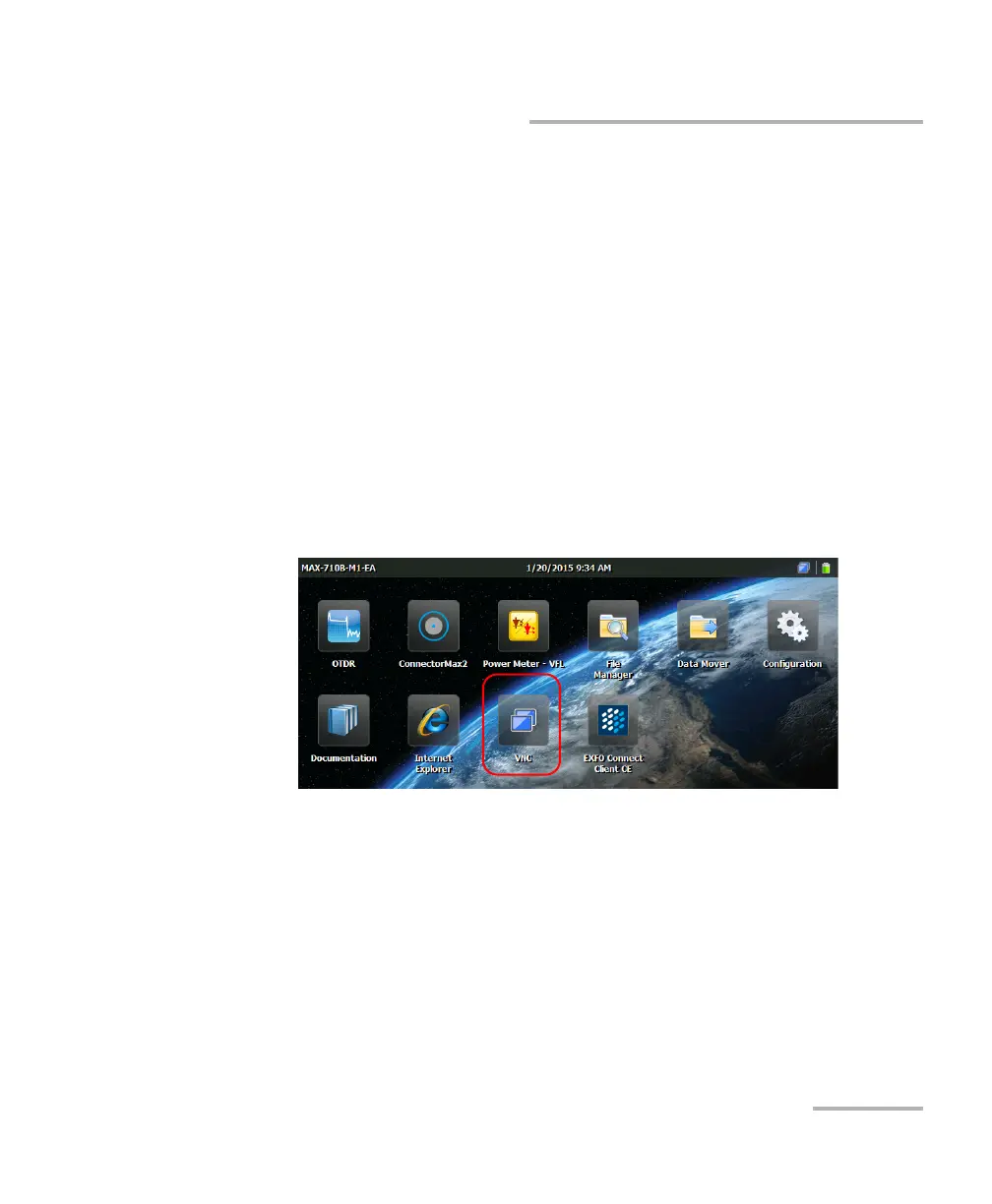
3. On your unit, from the Home screen, tap VNC.












 To Next Page