Accessing Your Unit Remotely
120 MaxTester Series
Connecting to Your Unit with TightVNC
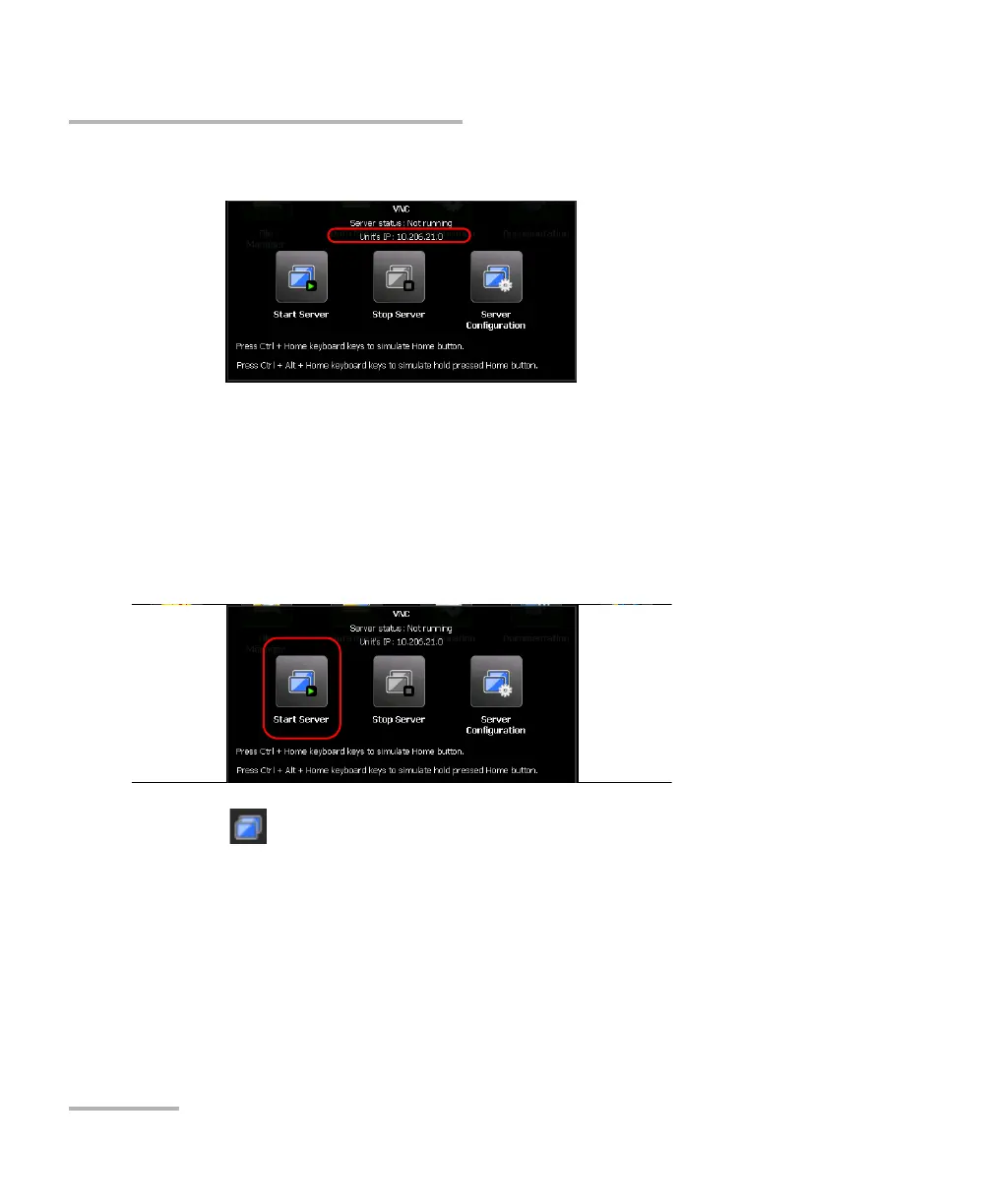
4. Write down the IP address.
Note: It may take a few seconds before you can see the IP address.
5. If you have configured VNC Server to start automatically when you turn
on your unit, go directly to step 7. Otherwise, the VNC toolbar, tap Start
Server.
6. From the VNC toolbar, tap Start Server.
Note: The icon appears in the upper right corner of the Home screen to
indicate that the VNC Server is running, and that remote connections can
be established with the unit.
7. From your computer, start the TightVNC Viewer.












 To Next Page