Accessing Your Unit Remotely
MaxTester Series 115
Configuring the VNC Server
Configuring the VNC Server
The VNC Server is already installed on your unit. By default, the server is
configured to accept secured connections only. This means that you must
configure a password before establishing a connection between a
computer and your unit.
However, you can modify the desired type of connection if you prefer not
to be prompted for a password. You can also modify other connection
settings to better suit your needs.
To configure the VNC Server:
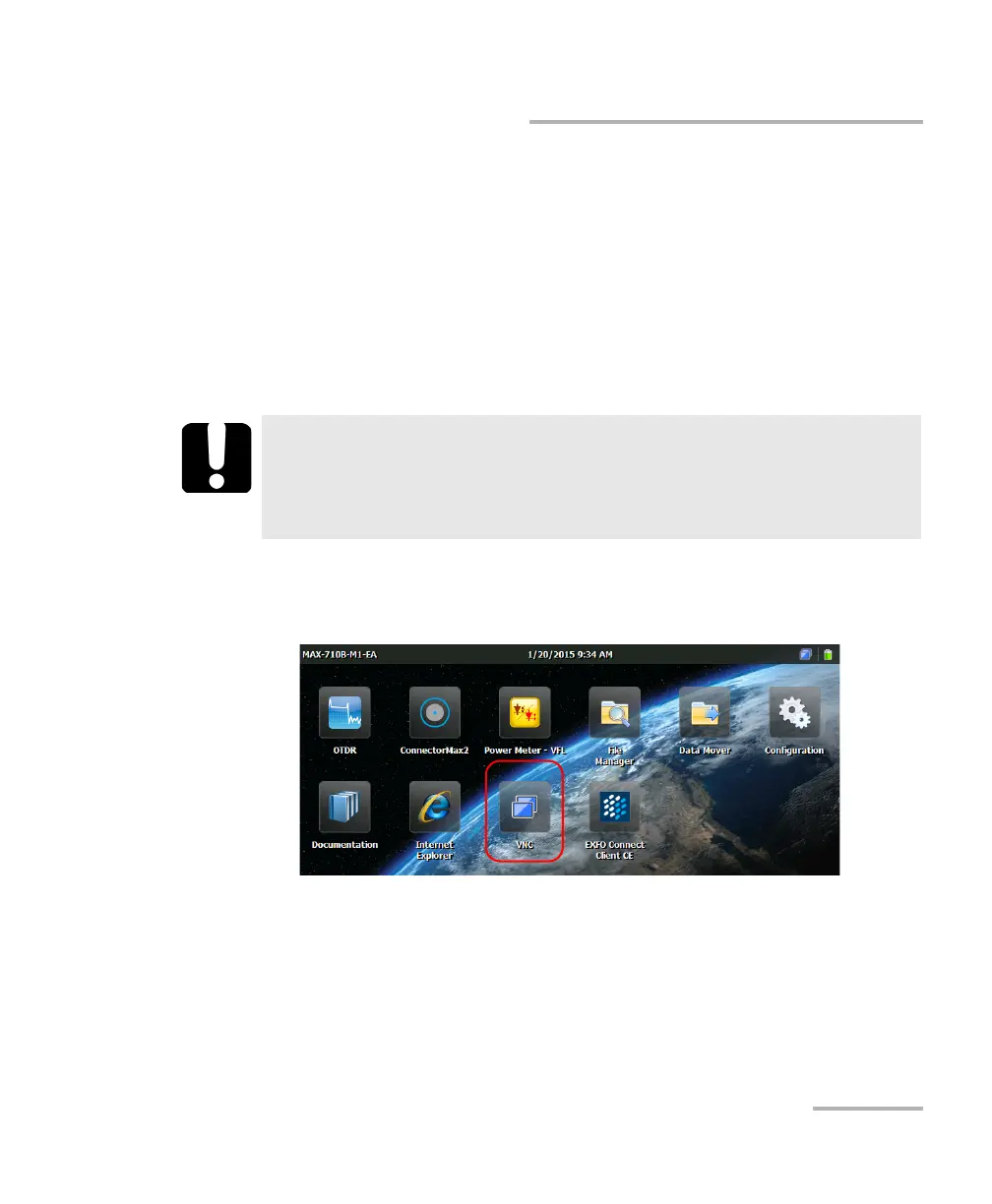
1. From the Home screen, tap VNC.
IMPORTANT
If you have configured the VNC Server to start automatically when
you turn on your unit, you must stop the Server before being able
to modify the VNC configuration.












 To Next Page