Accessing Your Unit Remotely
116 MaxTester Series
Configuring the VNC Server
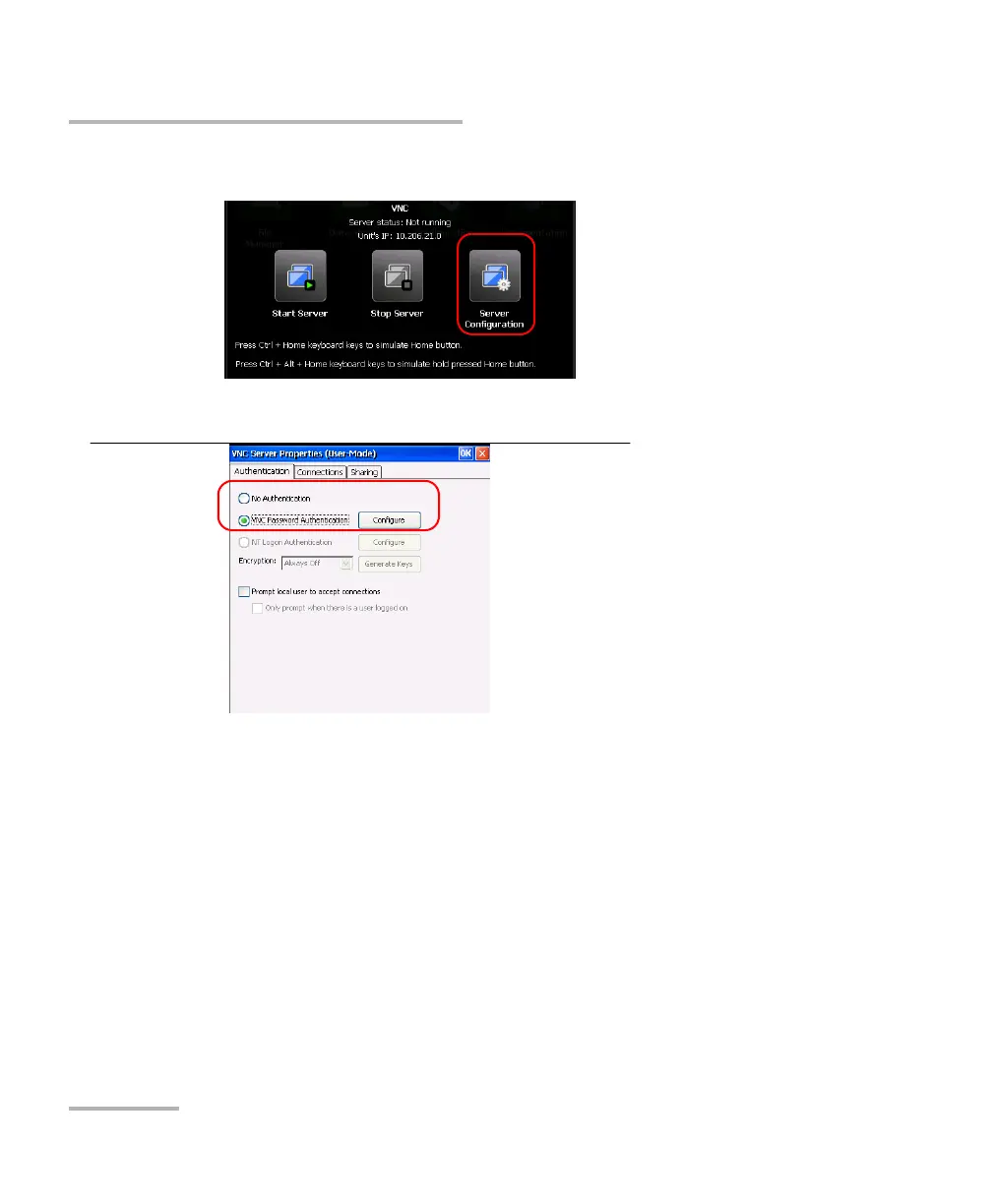
2. From the VNC toolbar, tap Server Configuration.
3. Select the option that best suits your needs.
If you do not want to be prompted for a password when you
connect with TightVNC, select No Authentication.
If you prefer to secure the connection with a password, select VNC
Password Authentication.












 To Next Page