Accessing Your Unit Remotely
MaxTester Series 117
Configuring the VNC Server
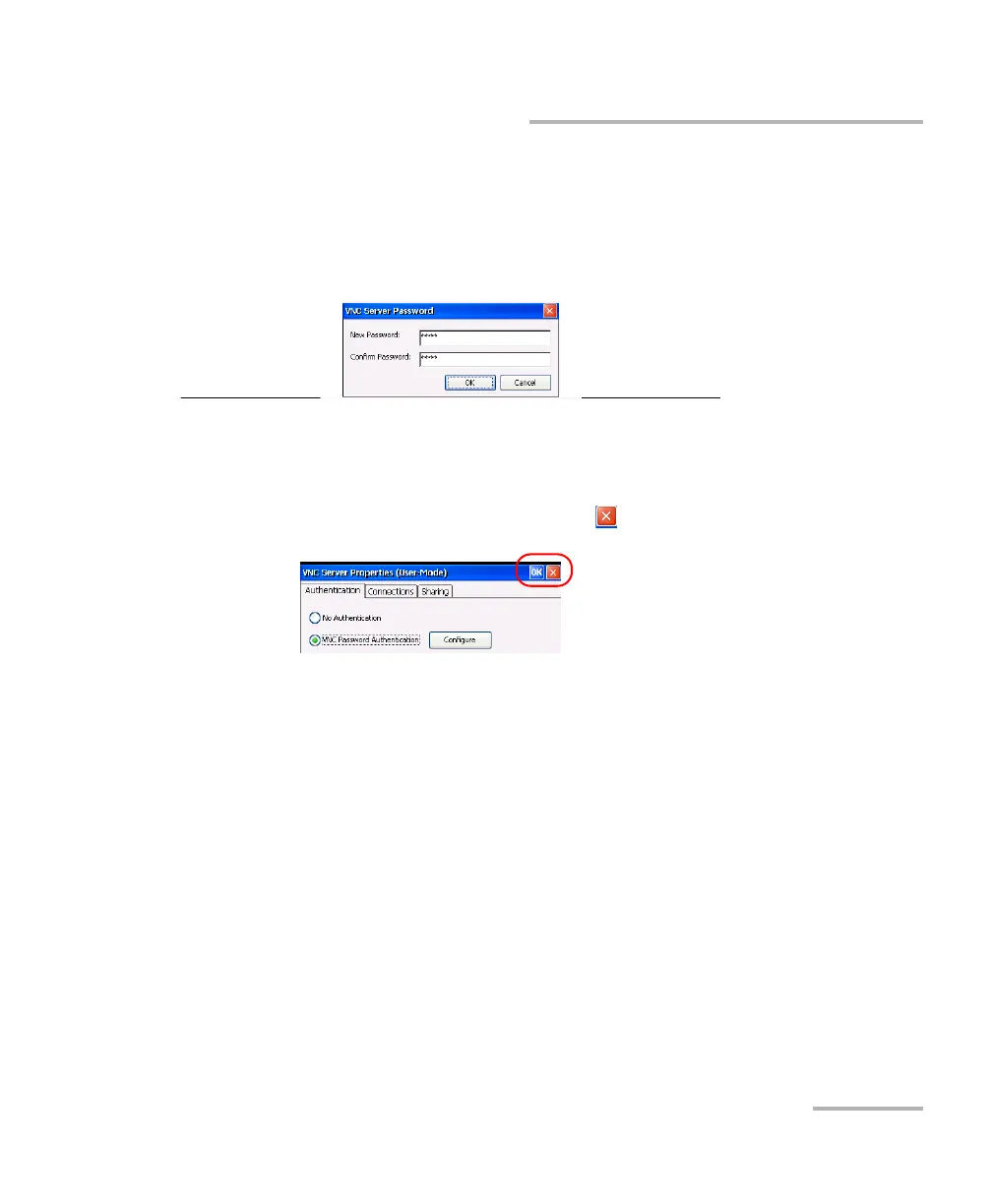
4. If you selected the VNC Password Authentication option, define the
password as follows:
4a. Tap the Configure button located next to the option.
4b. Type the desired password.
4c. Tap OK to keep the new password.
5. From the VNC Server Properties window, tap OK to confirm the
changes. If you prefer to discard all the modifications that you made
(including the password), tap the button.












 To Next Page