Troubleshooting
MaxTester Series 149
Viewing System Information
Retrieving the Component Versions
You can view the system image version as well as the software version of
the Home screen application that are installed on your unit.
To retrieve the component versions:
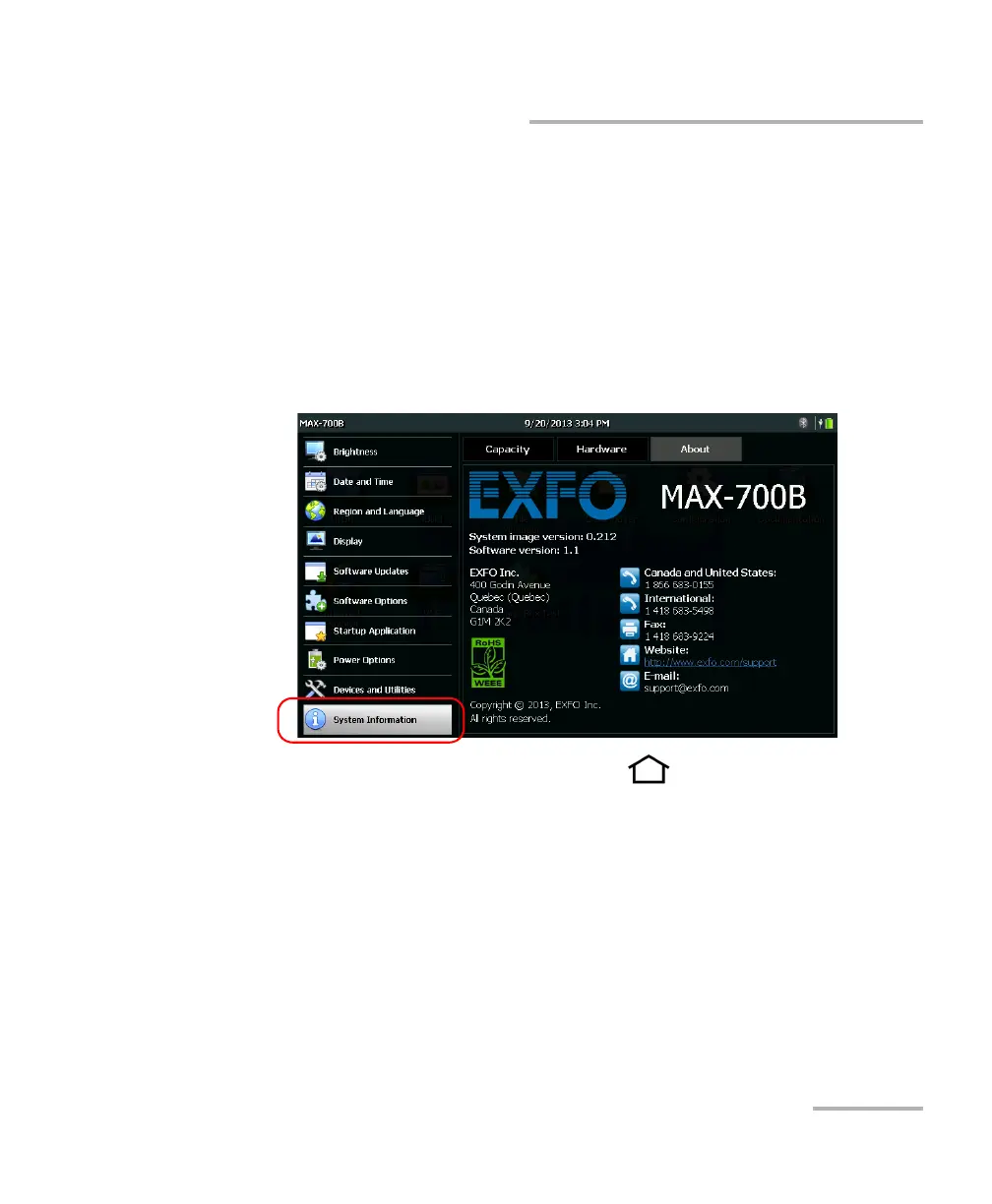
1. From the Home screen, tap Configuration.
2. Tap System Information > About.
The component versions are listed above the contact information.
3. From the unit’s front panel, press the button to return to the
Home screen.












 To Next Page