Troubleshooting
150 MaxTester Series
Viewing System Information
Retrieving the Contact Information
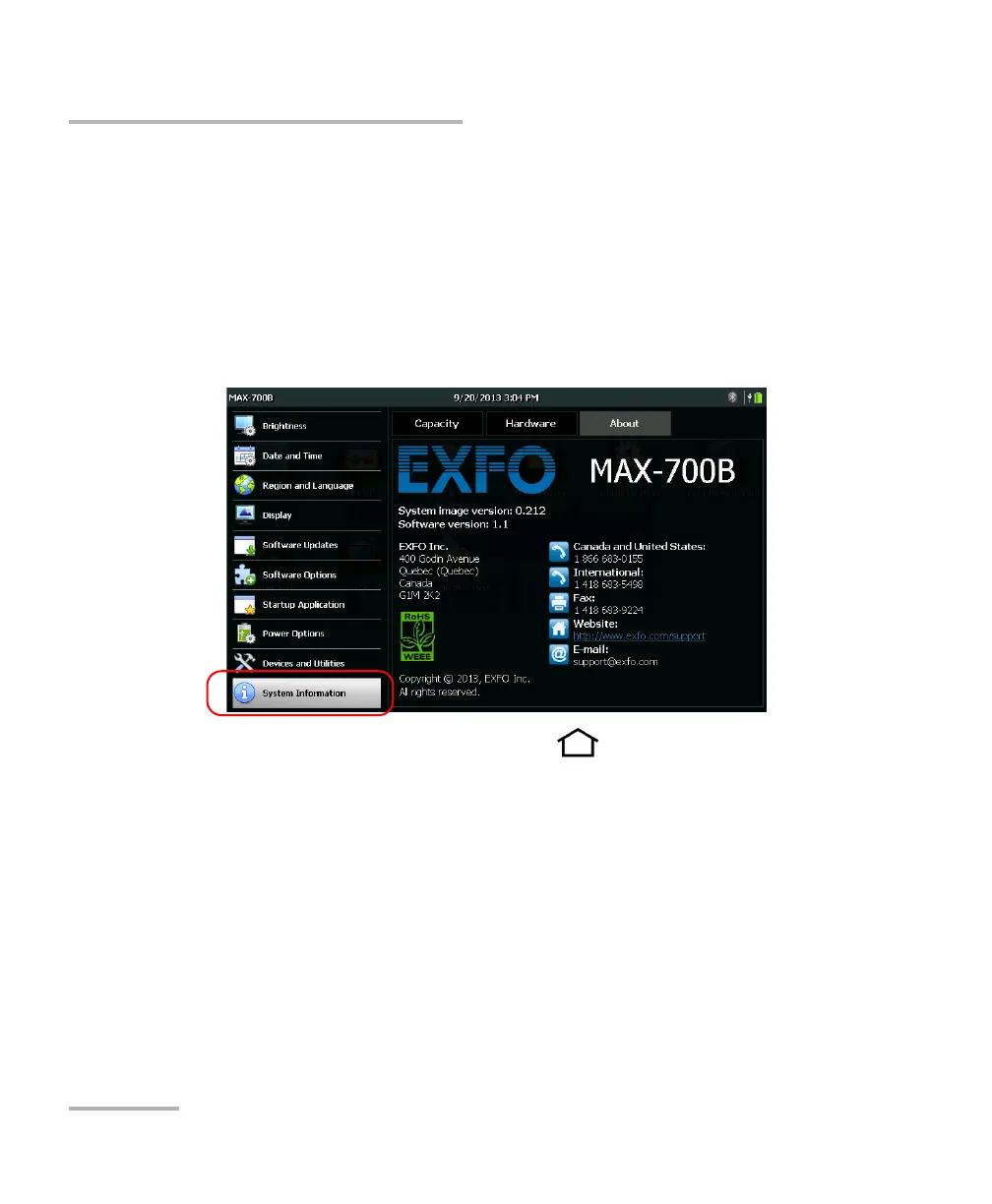
All the information necessary to contact EXFO is available from your unit.
To retrieve the contact information:
1. From the Home screen, tap Configuration.
2. Tap System Information > About.
The contact information is displayed.
3. From the unit’s front panel, press the button to return to the
Home screen.












 To Next Page