Setting Up Your Unit
50 MaxTester Series
Selecting the Global Language Format (Locale)
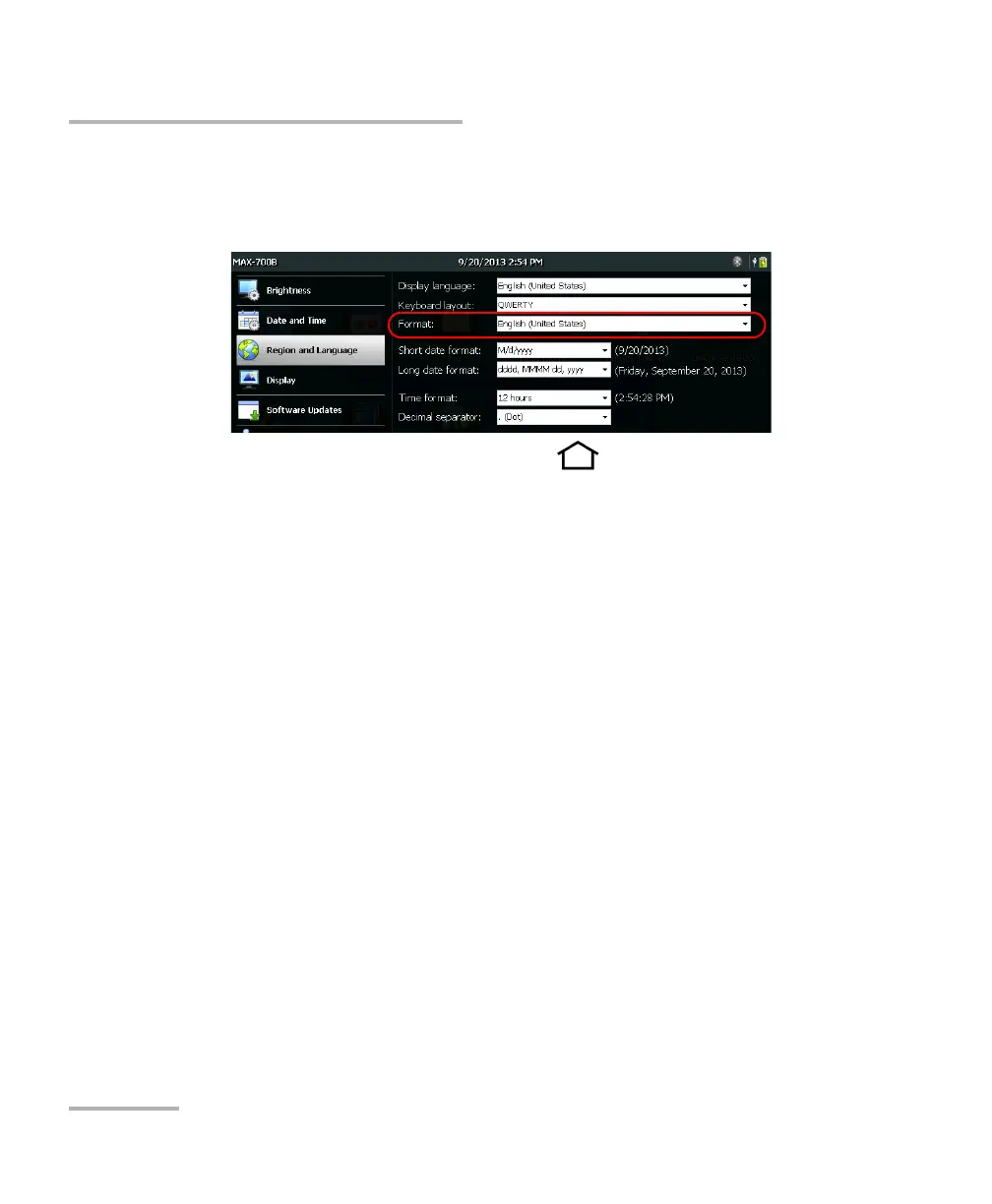
3. From the Format list, select the desired global language (locale). This
will determine the date formats available for the dates, time and
decimal separator.
4. From the unit’s front panel, press the button to return to the
Home screen.
The new values are taken into account immediately.












 To Next Page