Setting Up Your Unit
MaxTester Series 61
Recalibrating the Touchscreen
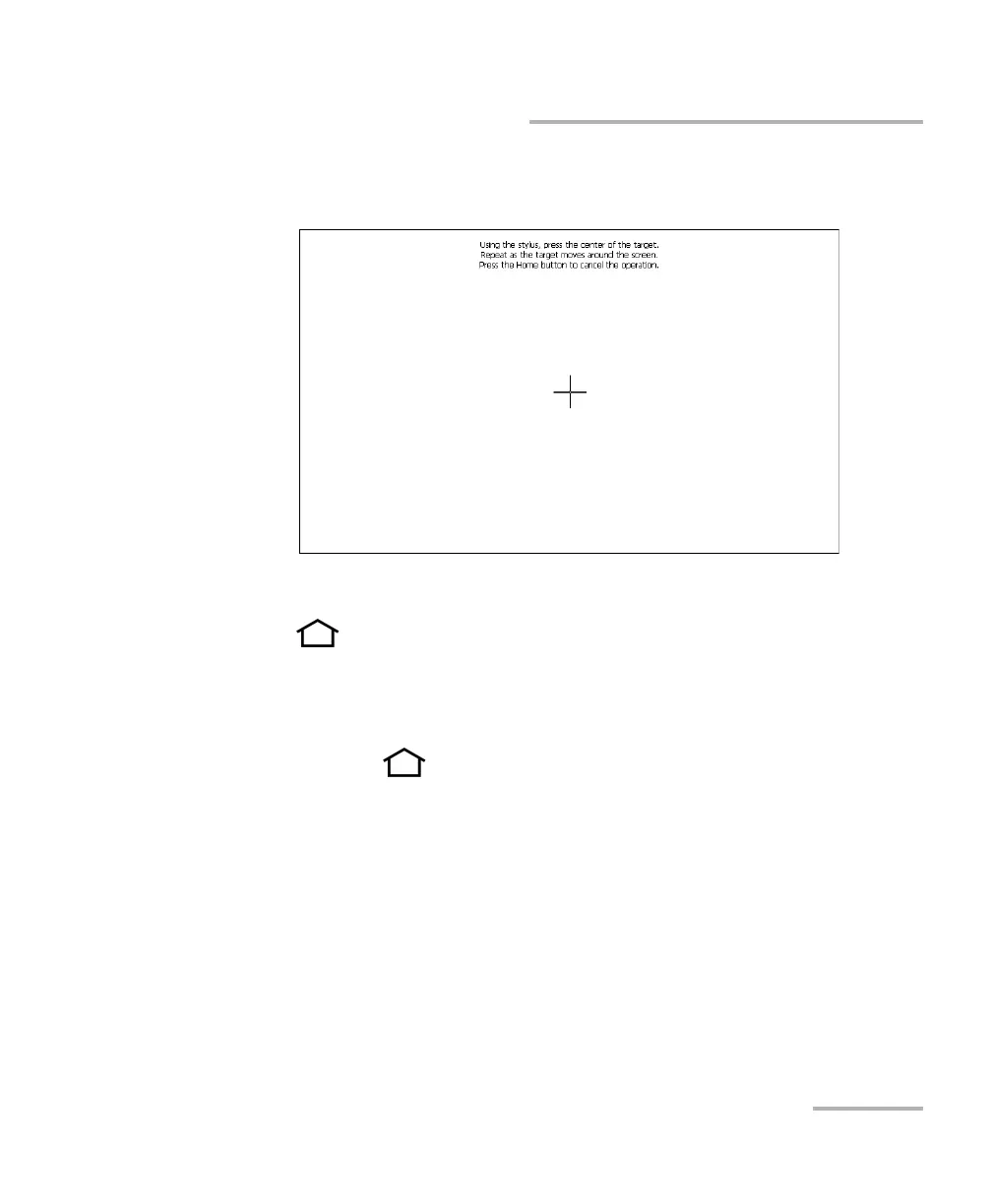
4. Using the stylus (or any blunt pointing device), simply press the center
of the different targets that appear on the screen.
Note: If you want to stop the calibration process, from the unit’s front panel, press
the button. The application will close automatically after a few
seconds.
5. When the calibration is complete, you will return to the Configuration
window automatically.
6. Press the button to close the Configuration window and return to
the Home screen.












 To Next Page