Working with Your Unit
70 MaxTester Series
Accessing the Online Documentation
To transfer the user documentation to a USB memory key:
1. Connect a USB memory key to one of the USB ports of the unit.
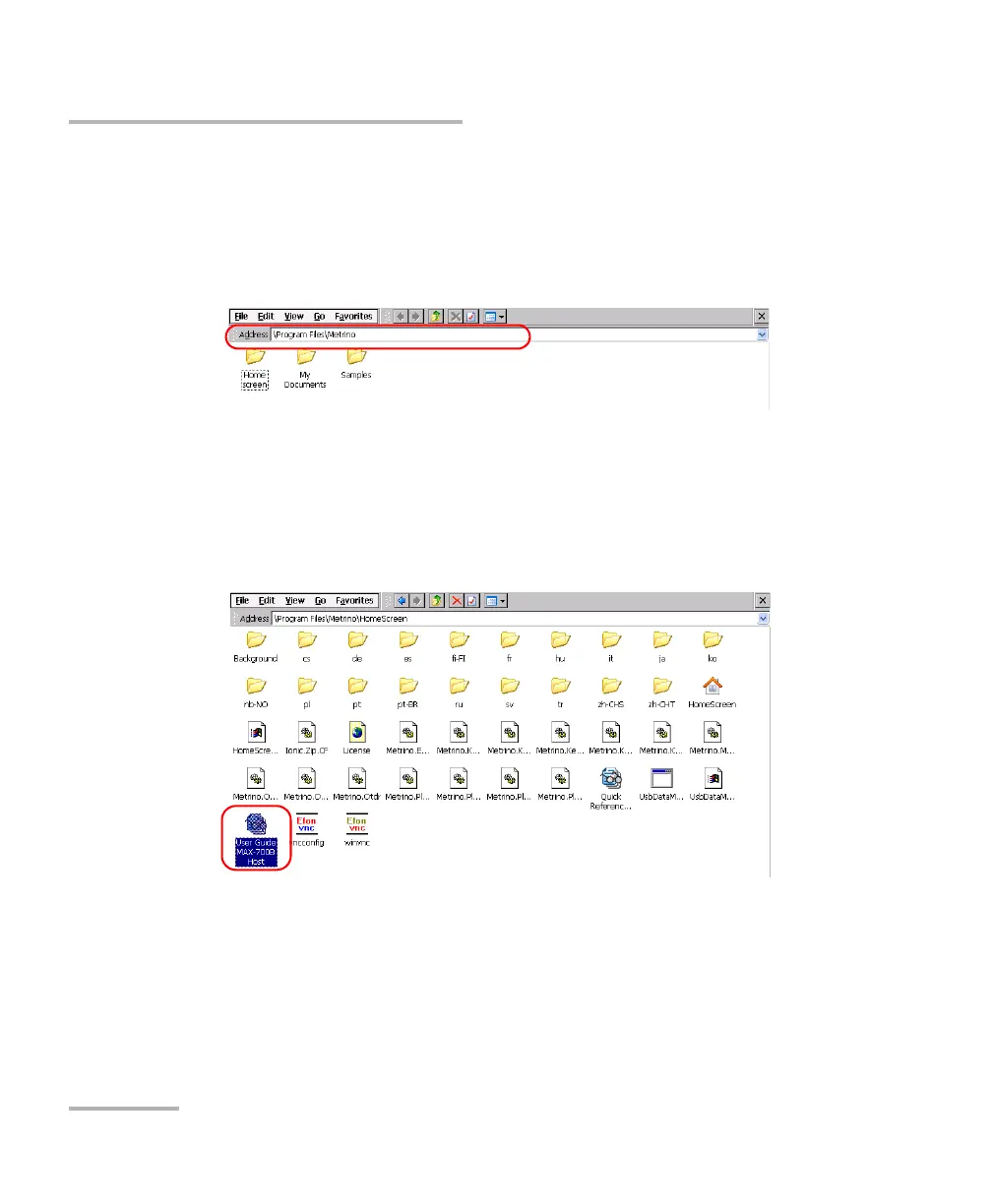
2. From the Home screen, tap File Manager.
3. In the Address bar, type \Program Files\Metrino\, and press ENTER.
4. Double-tap the folder corresponding to the application for which you
want to retrieve the documentation.
5. Locate the desired PDF file. The English version is available directly at
the root of the folder. For the other languages, double-tap the folder
corresponding to the desired language.
Note: The user documentation may not be available in all of the listed languages.












 To Next Page