RESTRICTED USE ONLY Fargo Electronics, Inc.
HDPii High Definition Card Printer/Encoder User Guide (Rev. 1.1)
8-2
Using Inhibit Panel (via the Fargo Workbench Printer Utility (continued)
Follow these instructions:
• To create an inhibit area using the Fargo Workbench Printer Utility, see Using the Inhibit
Panel Layout Applet in the Help file associated with the specific application.
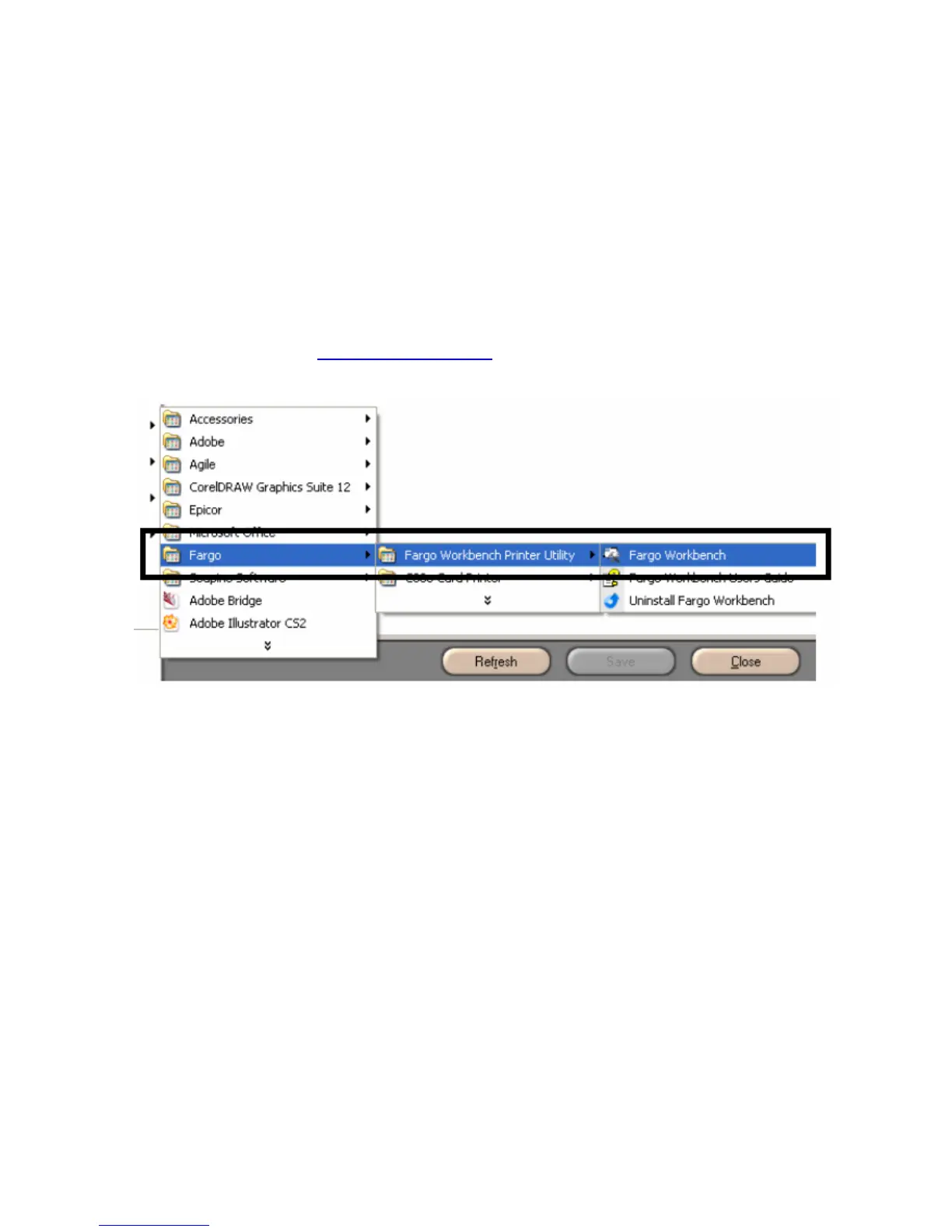
• To open the Fargo Workbench Printer Utility, select (on your desktop)
Start > Programs > Fargo > Fargo Workbench Printer Utility > Fargo Workbench
• Please verify that you have the latest version of the Workbench installed. The latest
version is located on www.fargosupport.com












 To Next Page