RESTRICTED USE ONLY Fargo Electronics, Inc.
HDPii High Definition Card Printer/Encoder User Guide (Rev. 1.1)
8-3
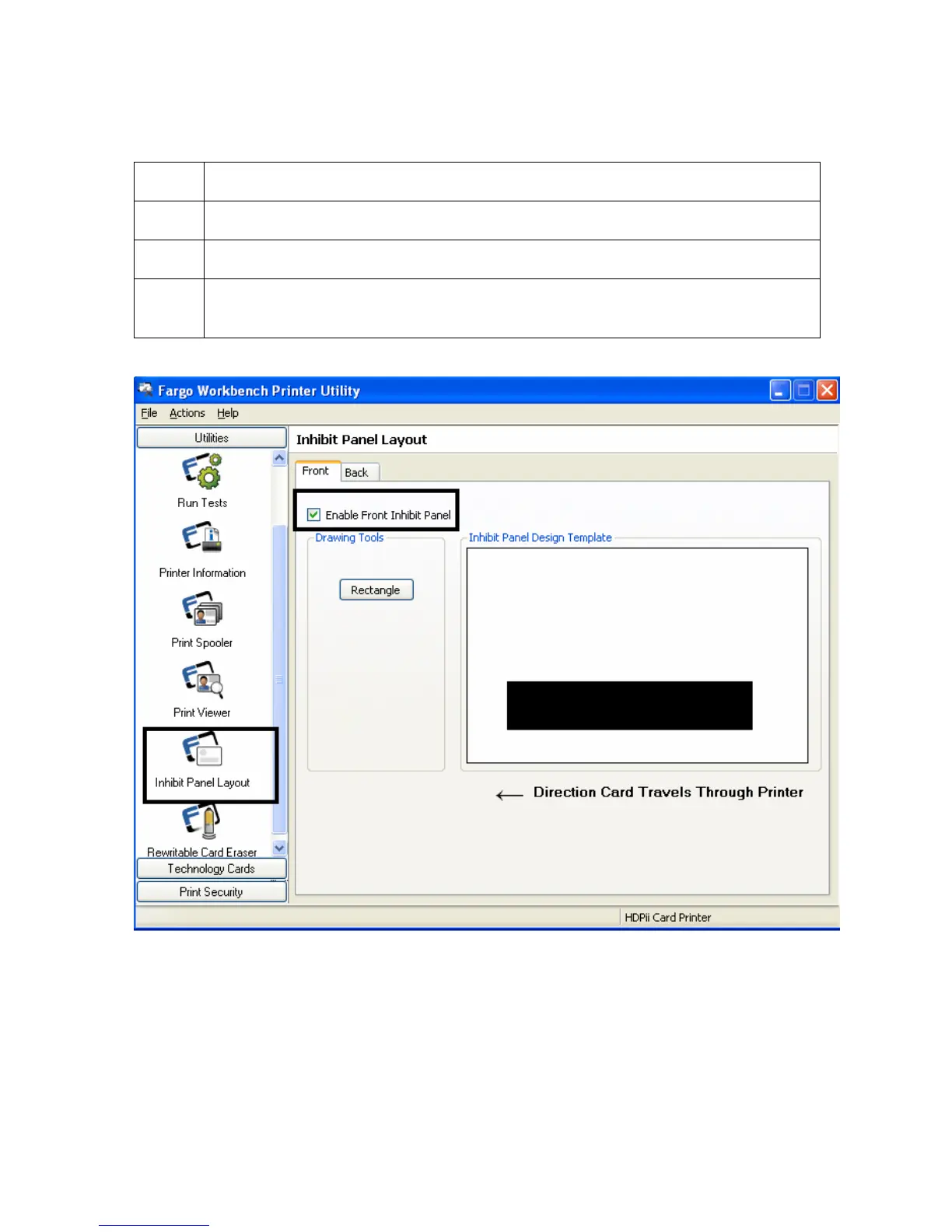
Using Inhibit Panel (via the Fargo Workbench Printer Utility) (continued)
Step Procedure
1 Create the Inhibit Panel Layout within the Fargo Workbench Printer Utility.
2 Save the file. Failure to save will not allow the Inhibit Panel to work
3 You are now ready to print from your application. Any image file will print with
the inhibit panel until that image file is deleted.












 To Next Page