Partie III – Pump programming
26
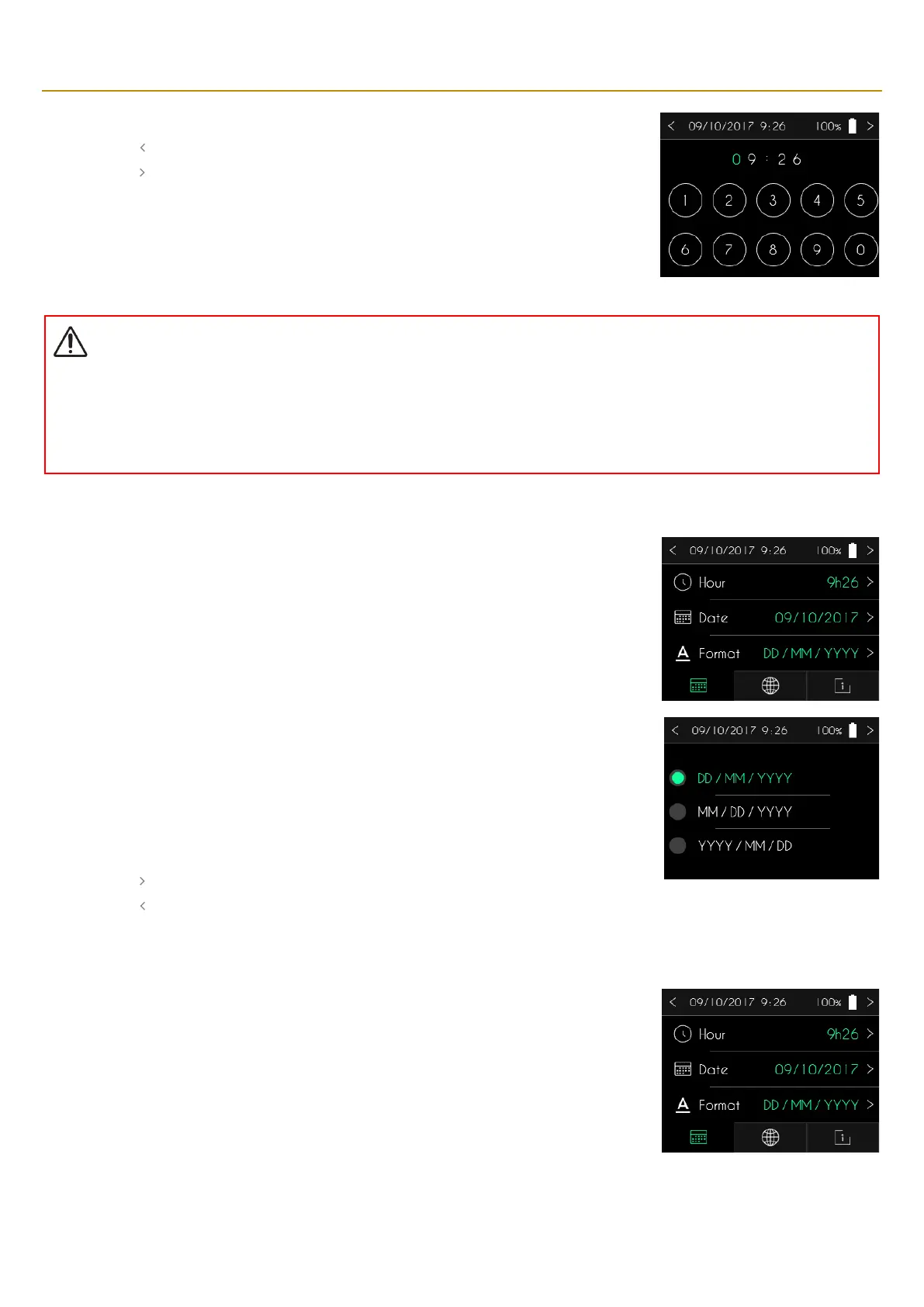
▪ Use the keypad for entering the new time.
▪ Press “ ” to cancel and return to the previous screen.
▪ Press “ ” to confirm the new time and return to the previous screen.
Warning
▪
It is crucial to set the correct time. That information is required for managing infusion rates and clinical data. Setting the time
incorrectly can result in the incorrect administration of apomorphine.
▪
If the time zone is changed or if there is a time change, make sure the time setting is changed accordingly.
When the SO
♥
CONNECT PID
pump displays the time, date and date format setting tab, press the
date format to modify it.
The SO
♥
CONNECT PID pump offers a choice between three formats for displaying the date:
▪
day / month / year,
▪
month / day / year,
▪
year / month / day
▪ Press the format you wish to use. The selected format is displayed in green.
▪ Press “ ” to confirm the date format and return to the previous screen.
▪ Press “ ” to cancel and return to the previous screen.
When the SO
♥
CONNECT PID pump displays the time, date and date format setting tab, press the
date to modify it.



 To Next Page