Partie III – Pump programming
27
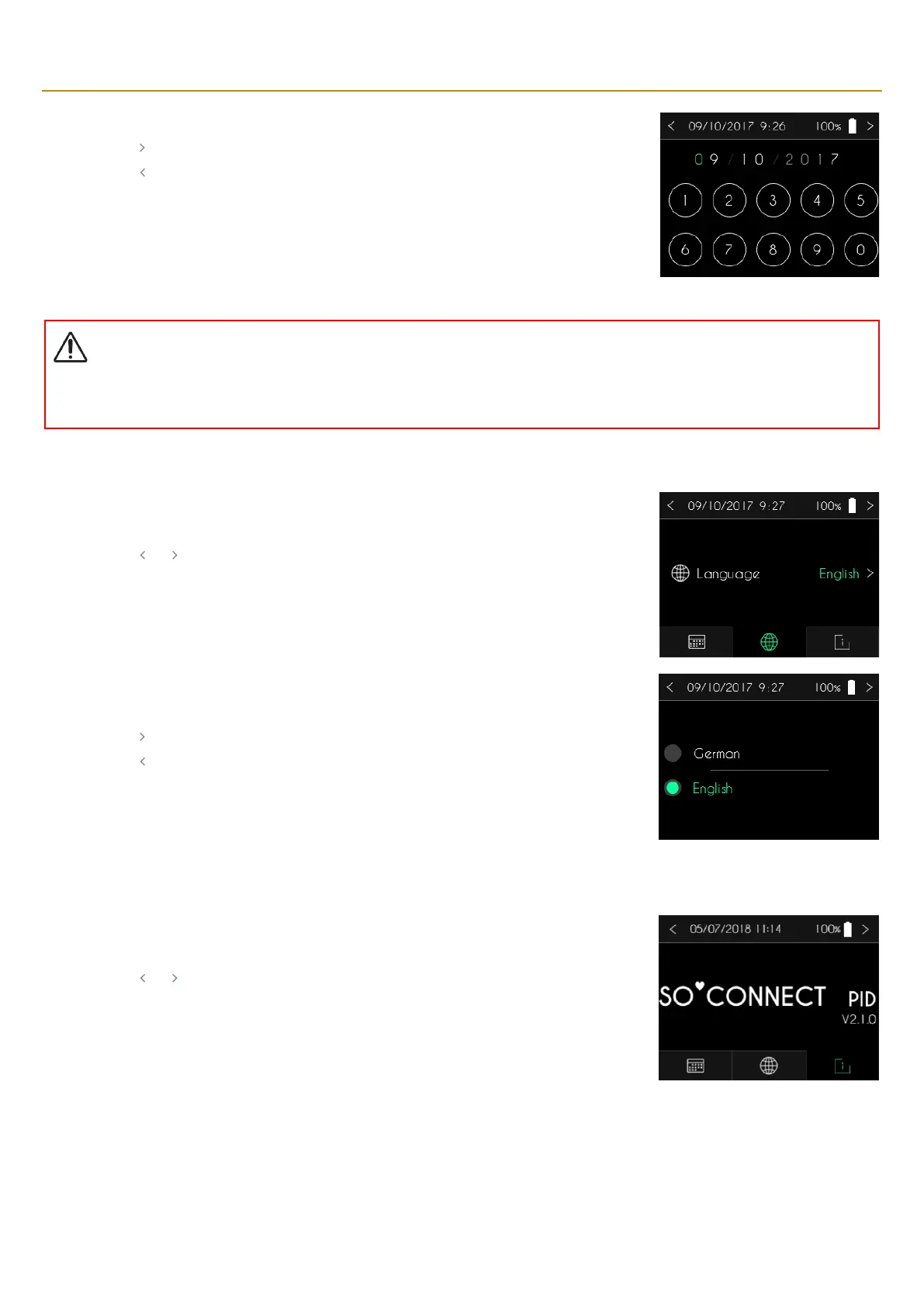
▪ Use the keypad for entering the date.
▪ Press “ ” to confirm and return to the previous screen.
▪ Press “ ” to cancel and return to the previous screen.
Warning
▪
Setting the correct date is crucial. Clinical data management is dependent on this setting. If the time zone is changed, make sure the
date setting is changed accordingly.
When the SO
♥
CONNECT PID
pump displays the language setting tab.
▪ Press the language to modify it.
▪ Press “ ” or “ ” to return to the main screen.
The SO
♥
CONNECT PID pump will display the list of available languages.
▪ Select the language you want to use for the display.
▪ Press “ ” to confirm and return to the previous screen.
▪ Press “ ” to cancel and return to the previous screen.
When the SO
♥
CONNECT PID pump displays the information tab, you can view the version and type
of the internal software of the pump.
▪ Press “ ” or “ ” to return to the main screen.



 To Next Page