Partie III – Pump programming
31
SO
♥
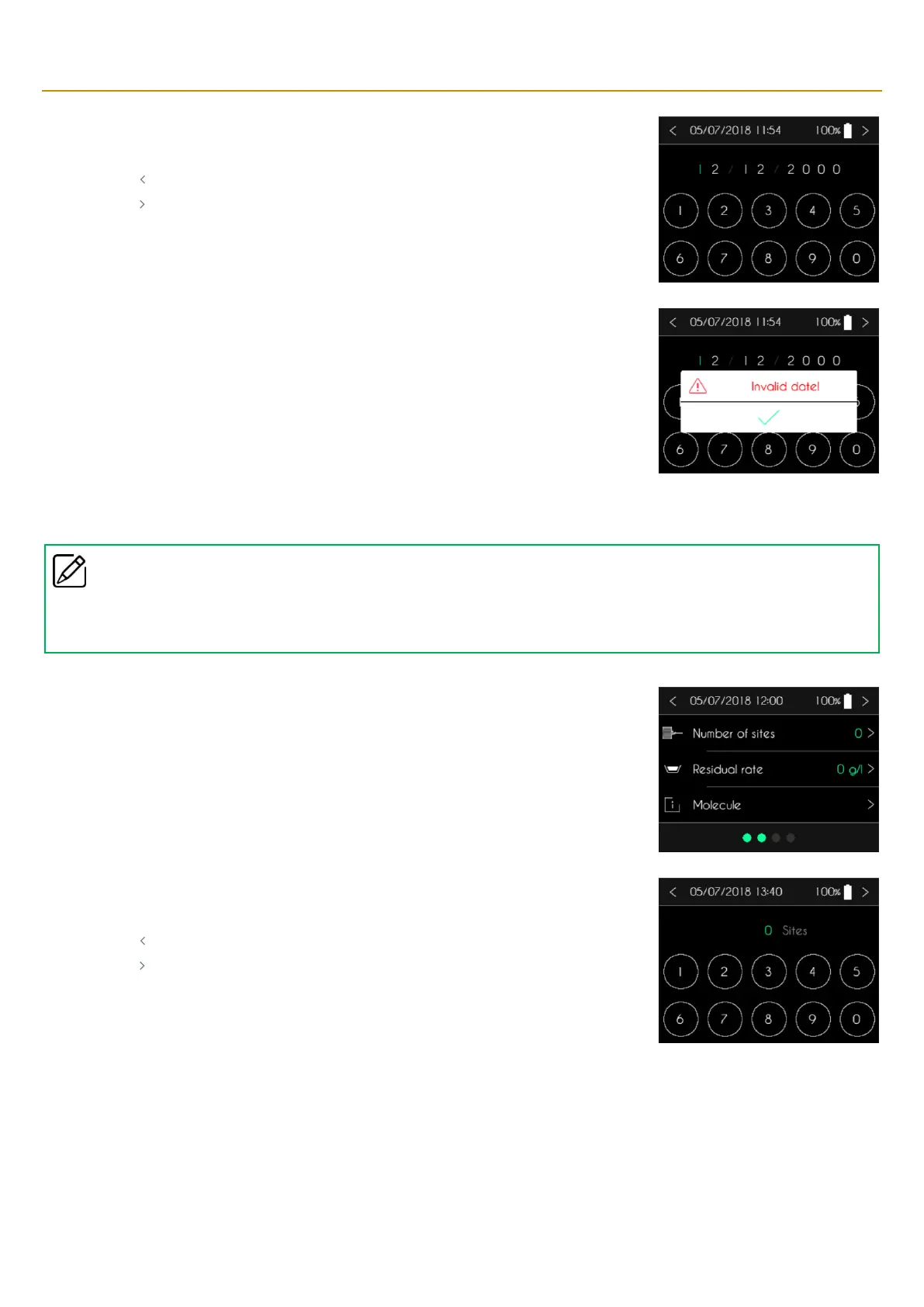
CONNECT PID pump will display a numeric keypad for entering the patient’s date of birth.
▪ Use the keypad to enter the date of birth.
▪ Press “ ” to cancel and return to the previous screen.
▪ Press “ ” to confirm and return to the previous screen.
If the date is invalid, the pump displays a message.
▪ Press “✓” to acknowledge the message.
Entering the number of sites
Comments
▪
The number of sites is only used as an indication for clinical follow-up. This date is not taken into account for the calculation of the
infusion rate.
SO
♥
CONNECT PID displays the patient information screen. Press the number of sites to modify it.
SO
♥
CONNECT PID will display a numeric keypad to enter the number of sites.
▪ Use the keypad to enter the number of sites.
▪ Press “ ” to cancel and return to the previous screen.
▪ Press “ ” to confirm and return to the previous screen.



 To Next Page