3. Commissioning
3-18
Festo CPX-FB36-EN en 1611a English
Integrating the CPX terminal into an existing project
The CPX terminal configured and parameterised with the
Festo Maintenance Tool software appears in the “Stu
dio5000” software as an Ethernet module.
To integrate this module into an existing project:
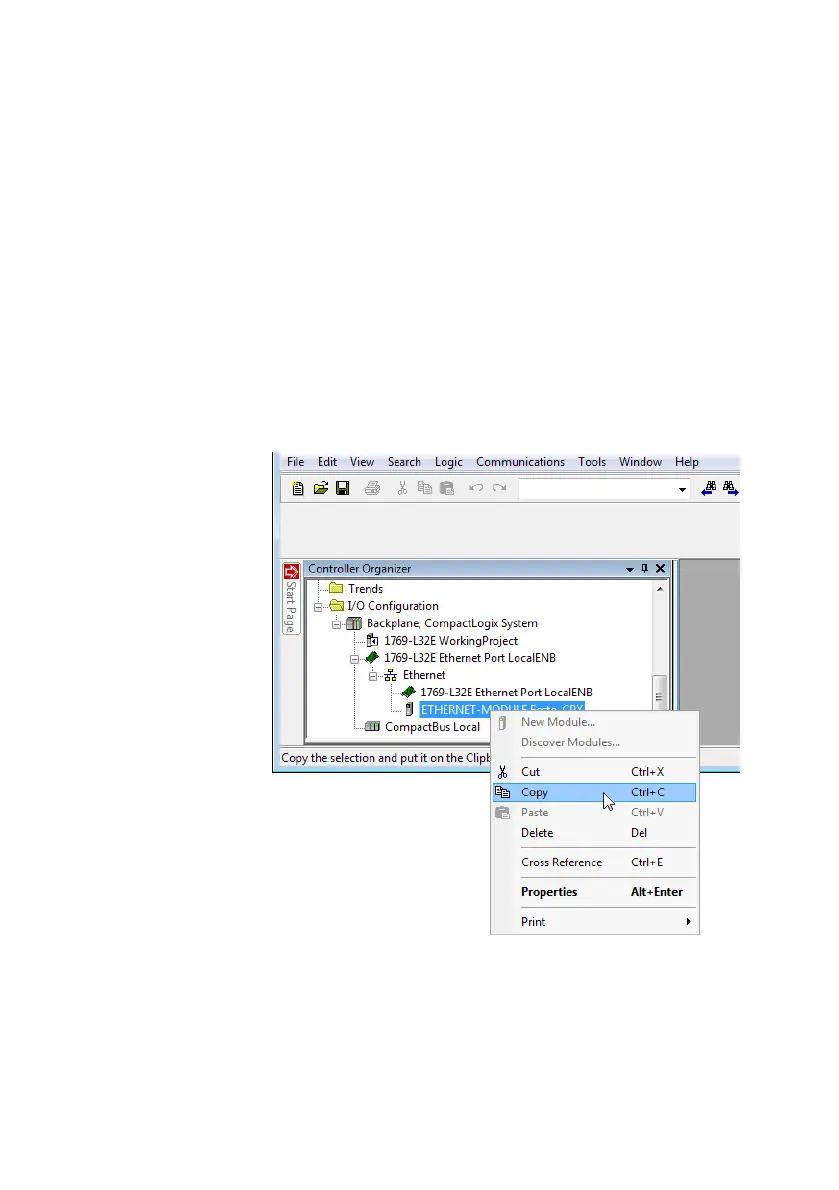
1. In the “Controller Organizer” window in the “I/O Configur
ation” directory, right click on the Ethernet module and
select “Copy” in the context menu.
Fig. 3/13: Copying the Ethernet module



 To Next Page