92
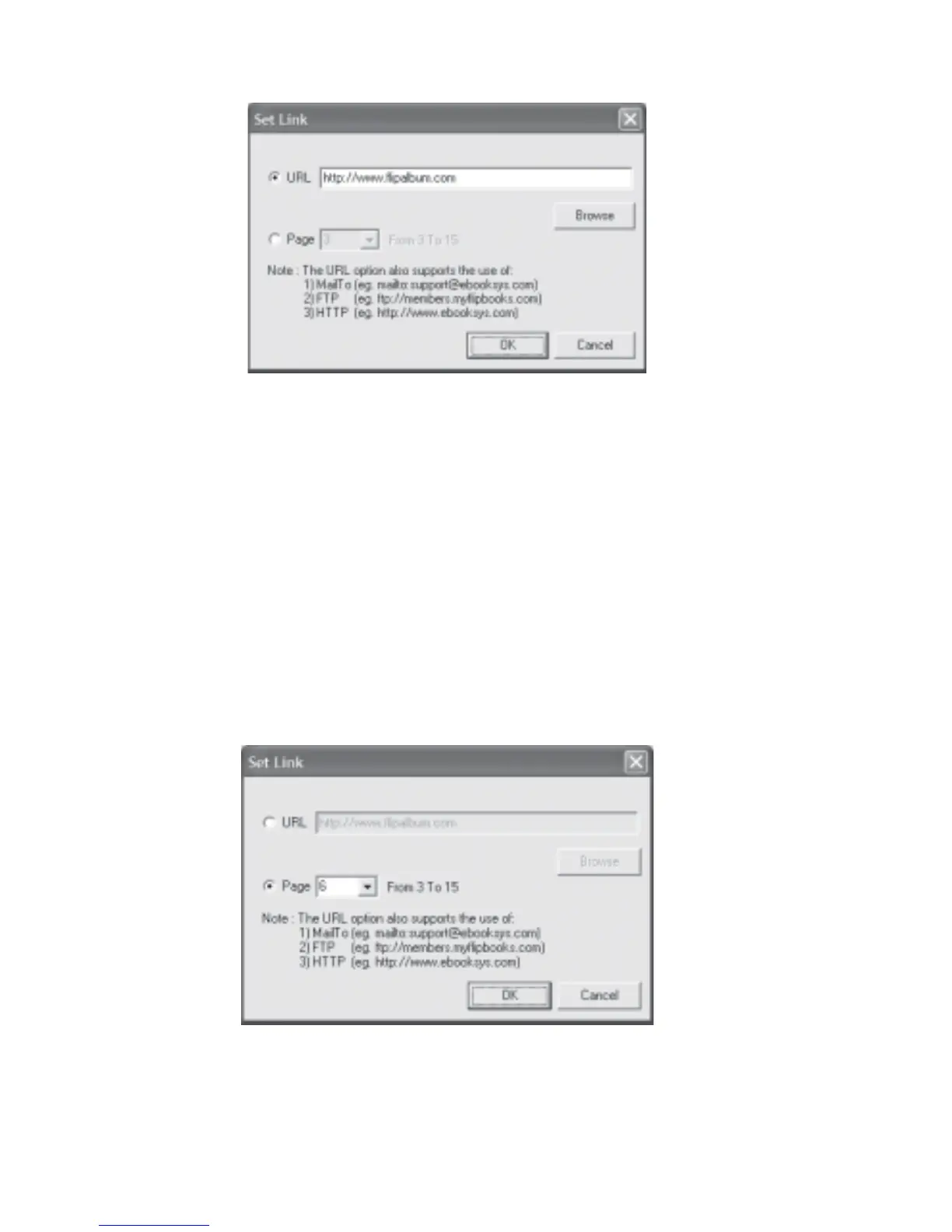
Fig 6.11.1 Set Link - URL Dialog Box
To set link to a page for an object:
1. Flip to the page containing the object (image, annotation, video, etc) you want to set link
to.
2. With the mouse cursor above the object, click the right mouse button and select Set
Link.
3. Click the Page radio button (Fig 6.11.2) and key in the page number you want to link to
in your album.
4. Click OK.
Fig 6.11.2 Set Link - Page Dialog Box



 To Next Page