FlipAlbum
®
6 79
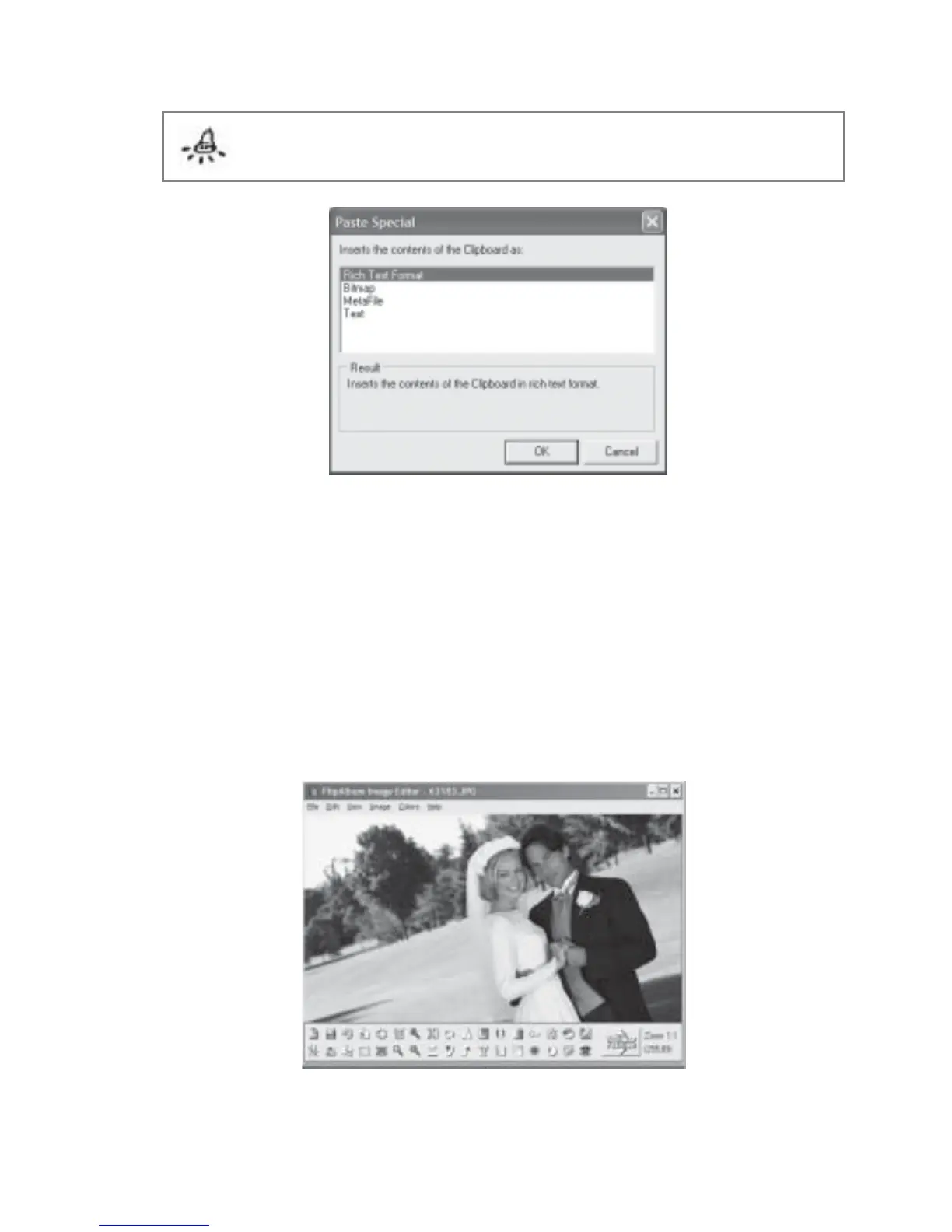
Note: The options displayed in the Paste Special dialog will depend on the content
copied into the clipboard.
Fig 6.3.1 Paste Special
6.4 Image Editor
FlipAlbum
®
6 has a comprehensive set of editing functions to help the user perform
advanced picture editing and enhancements. If you are not familiar with some image editing
functions, do not be afraid to explore and experiment with the powerful features of
FlipAlbum’s image editor. If you are afraid of damaging your picture files, simply make
copies or back-ups of the files.
Fig 6.4.1 Image Editor



 To Next Page