160
8.4 Set Theme
This allows you to apply themes to your album.
To set a theme:
1. Click Options on the menu bar.
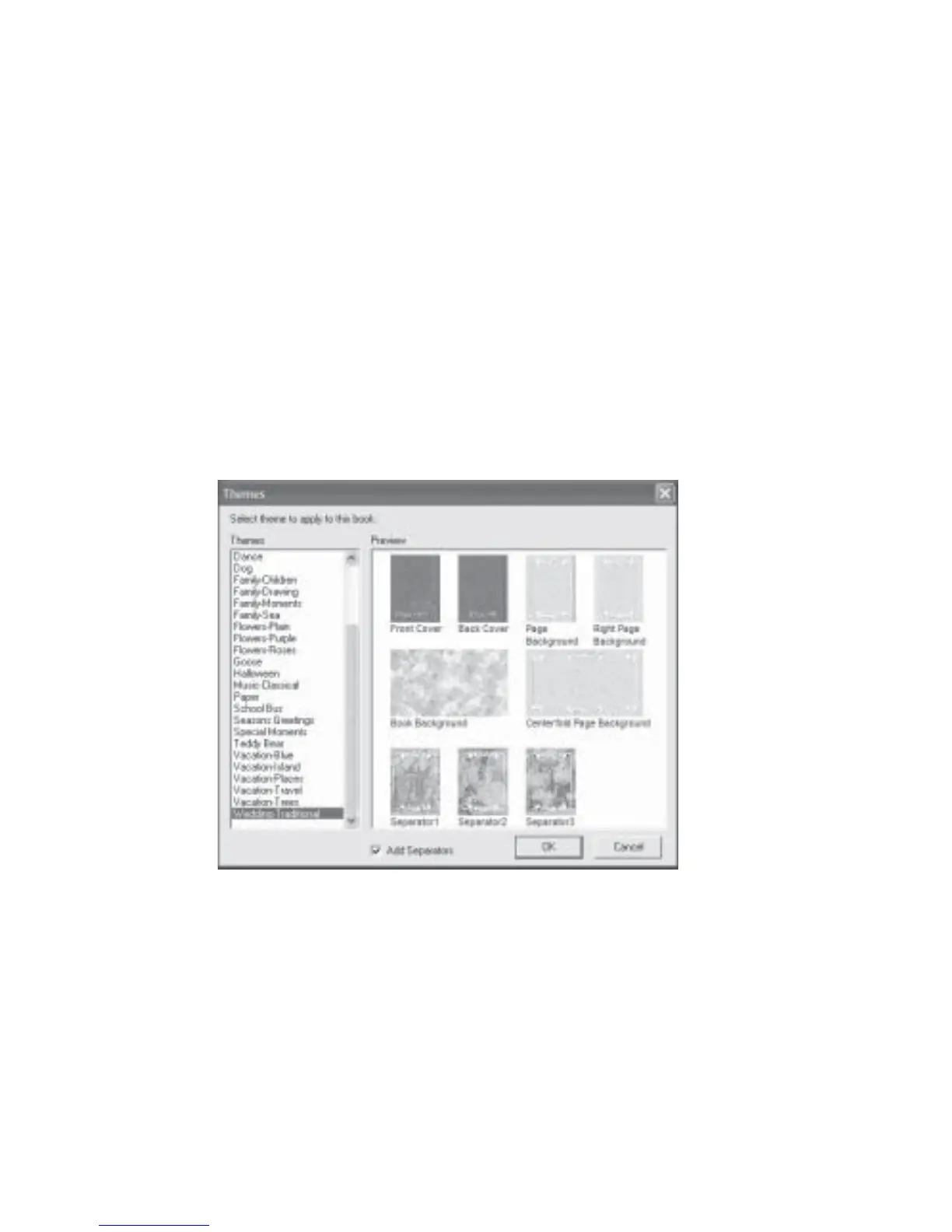
2. Click Set Theme and the Themes dialog box will be displayed (Fig 8.4.1).
3. Select one of the respective themes. To have a preview of what the theme consists of,
click the different selections under Design.
4. You can also opt not to have separators for your album by unchecking the
Add Separators check box.
Fig 8.4.1 Themes Dialog Box



 To Next Page