104
7.6 Uploading to Web Sites
1. Open the book you want to upload to a web site.
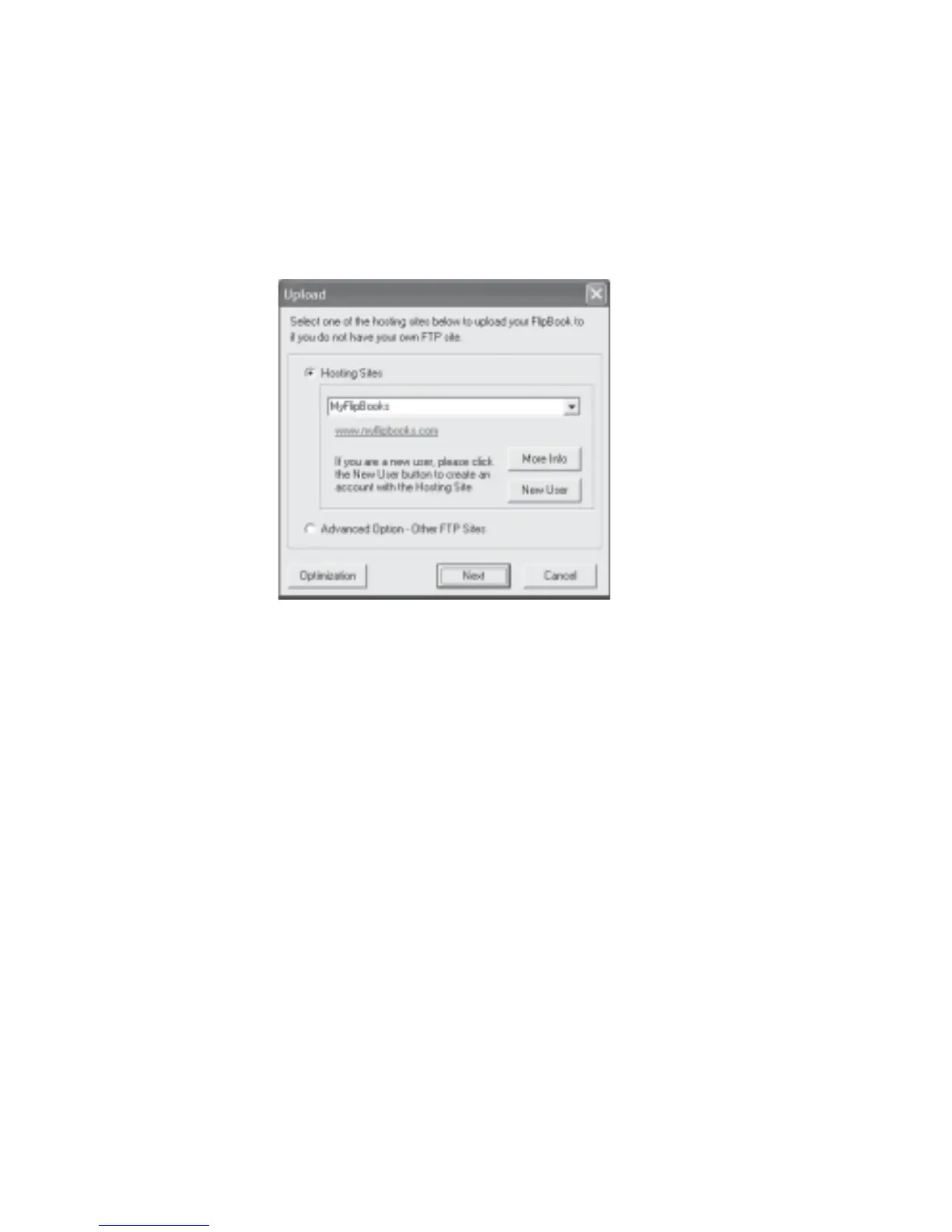
2. Click File on the menu bar and click Upload to Web... or click the Upload icon.
3. The Upload dialog box will be displayed (Fig 7.6.1).
Fig 7.6.1 Upload Dialog Box
For New Users
If you are a new user you can upload your book to a free web site:
1. Click New User to continue.
2. Follow the web site instructions to register for your web space.
3. After registration, close your web browser and go back to the Upload dialog box and then
click Next. The Login - Free Hosting Sites dialog box will be displayed (Fig 7.6.2).



 To Next Page