122
Note: This section is applicable only to FlipAlbum
®
6 Pro users only
7.10 Security Control Features
FlipAlbum
®
6 comes with many security control features that you can set for your albums
and CDs that you distribute for commercial purposes.
Creating Single Album on CD:
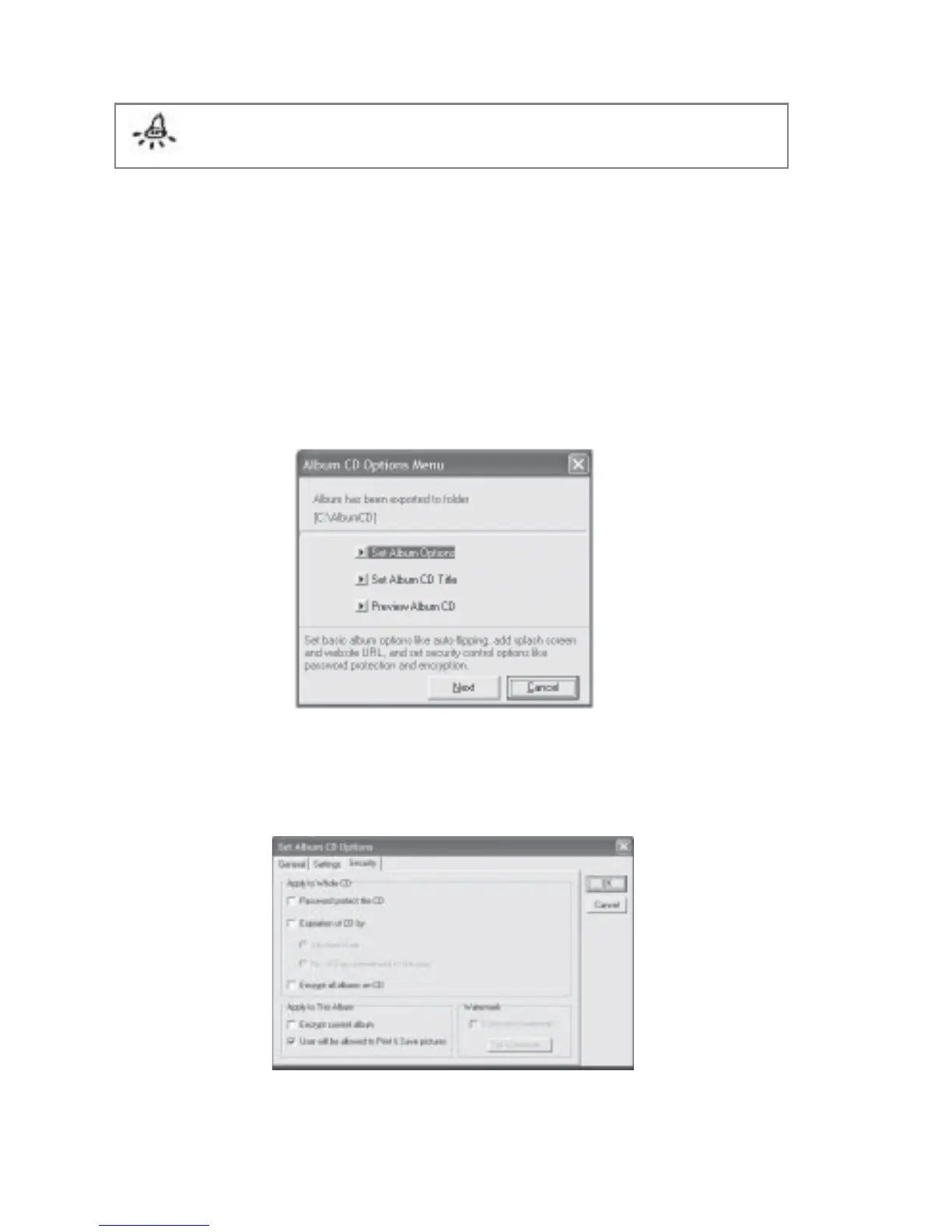
1. Following the steps in Section 7.7, you should arrive at Fig 7.10.1.
Fig 7.10.1 Create Album CD Dialog Box
2. Click Set Album Settings. The Set Album CD Options dialog box will be displayed.
3. Click the Security tab (Fig 7.10.2).
Fig 7.10.2 Set Album CD Options - Security Dialog Box



 To Next Page