150
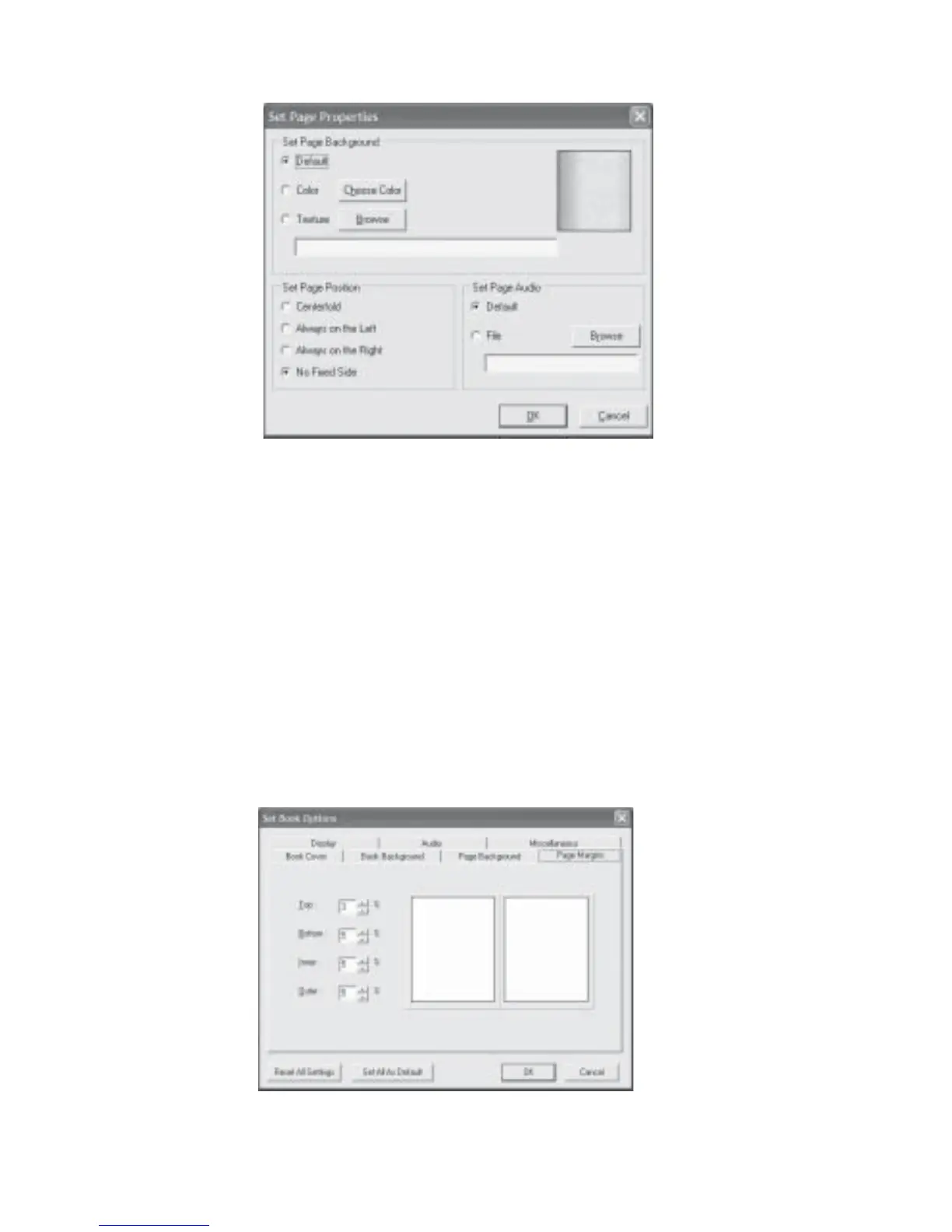
Fig 8.2.4 Set Page Properties Dialog Box
8.2.4 Options: Page Margins
This option allows you to set the page margins in your book for comfortable viewing:
1. Click Options on the menu bar and then Set Book Options.
2. Click on the Page Margins tab (Fig 8.2.5).
3. Click the UP or DOWN arrow buttons for each of the margins to select the desired figure.
Do remember that the settings are expressed as a percentage of the page measurements.
4. Click OK when done.
Fig 8.2.5 Set Book Options Page Margins Dialog Box



 To Next Page