18
2.5.1 Using the Start Wizard
The Start Wizard consists of 3 basic steps:
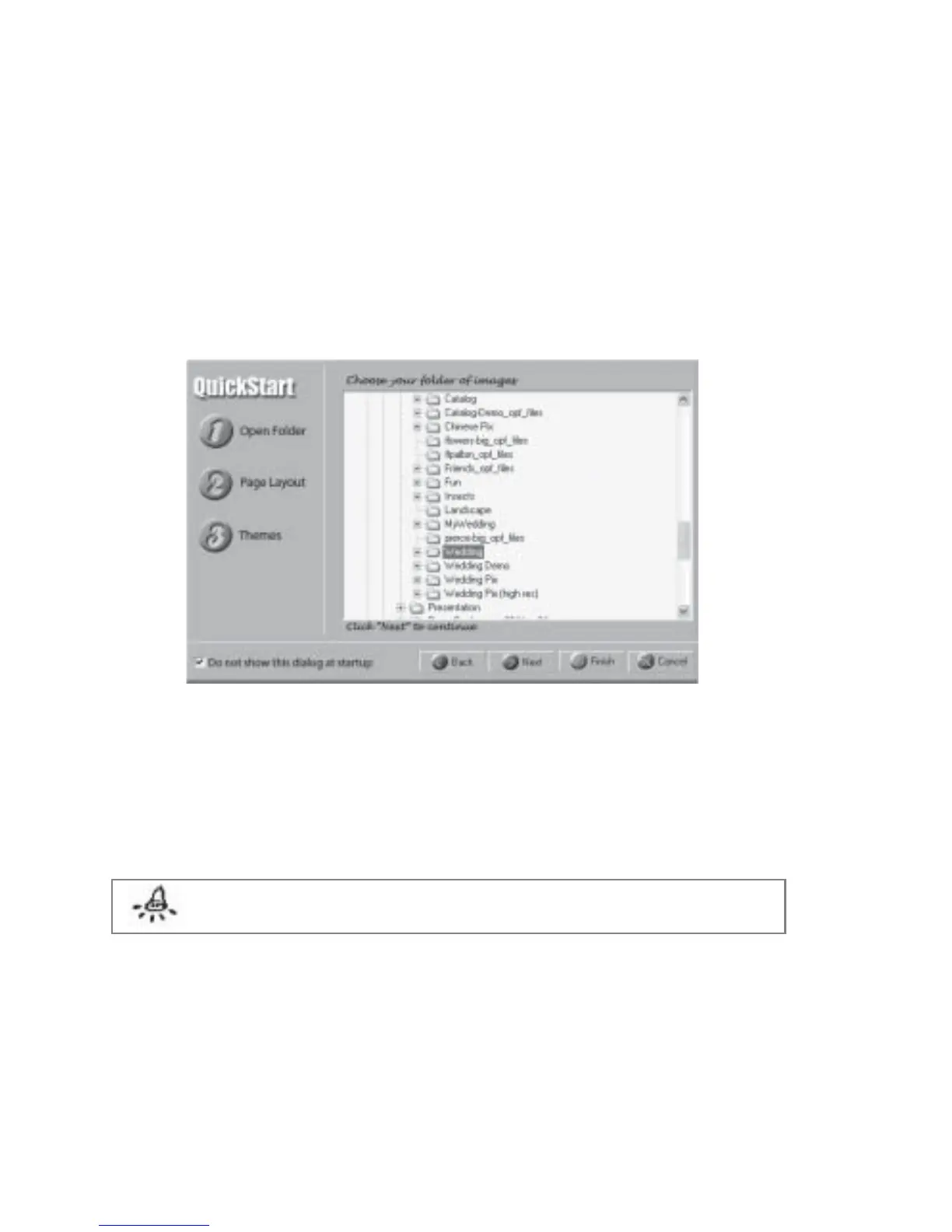
Step 1 Open Folder - This is where you select your folder containing the images.
1. At the Start Wizard, click Open Folder on the left panel or the Next button to
begin. Fig 2.5.1 will be displayed.
Fig 2.5.1 Start Wizard “Open Folder”
2. Browse to the folder containing your images.
3. Click Page Layout on the left panel or the Next button to continue. Fig 2.5.2 will be
displayed. Alternatively click the Back button to go back to the previous step or Cancel
button to quit the Start Wizard.
Note: Step One - Open Folder is a mandatory step in the Start Wizard.
An album cannot be created without selecting a folder.



 To Next Page