28
Note: The name of your new folder will be added as an annotation to the book cover.
You can change the annotation text on the cover. Move your mouse over the title,
click right mouse button and select Edit Annotation.
3.3 Opening a Folder
Open any folder which contains objects for viewing as a book.
To open a folder or directory for viewing as a book:
1. Click Folder in the menu bar.
2. Click Open Folder. The Browse For Folder dialog box will be displayed.
3. Navigate to the folder where you saved your objects and click OK.
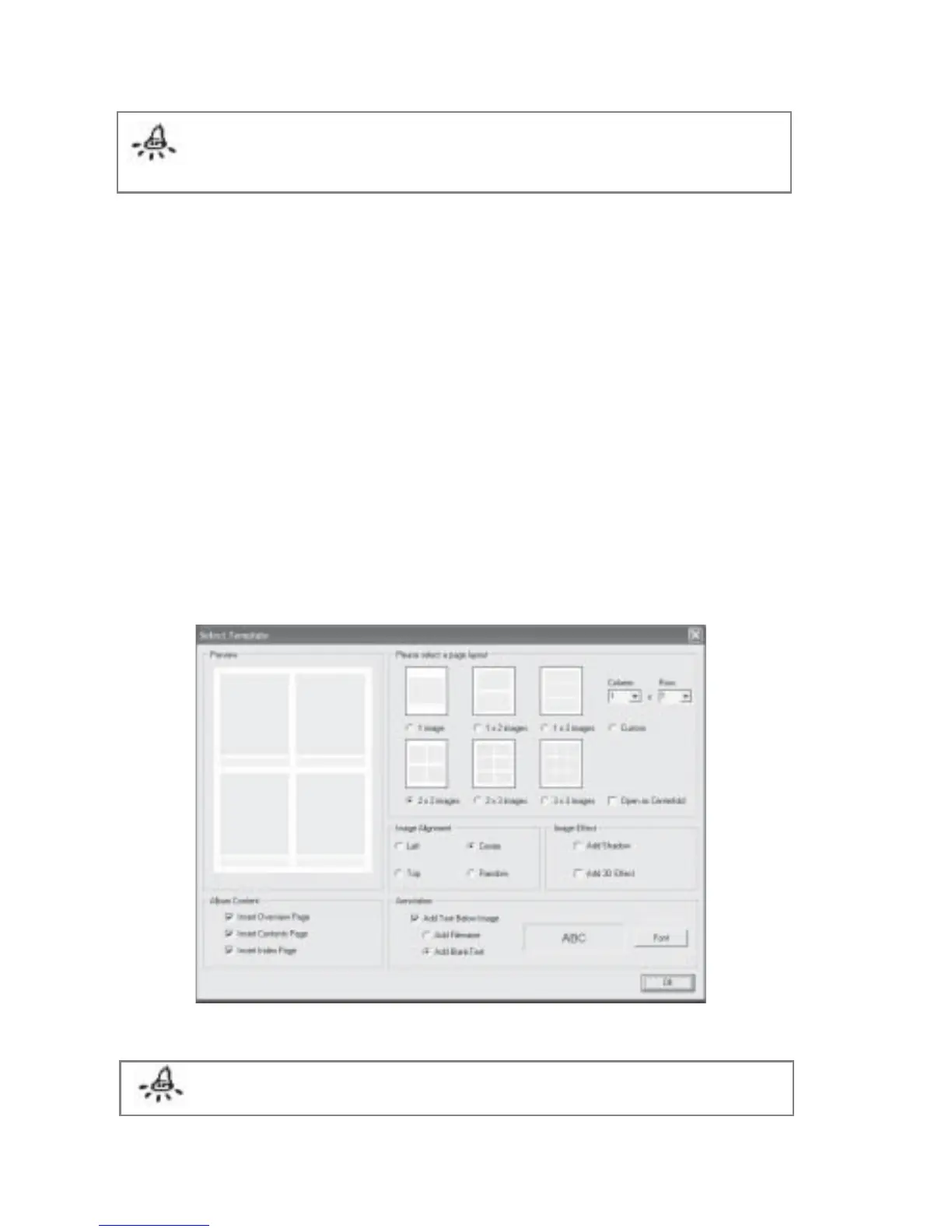
4. The Select Template dialog box will be displayed (Fig 3.3.1).
5. Select the desired options and click OK to create your album.
Fig 3.3.1 Select Template Dialog Box
Note: You may also click on the Folder icon instead of using the menu bar.



 To Next Page