FlipAlbum
®
6 61
4.11 Previewing Video
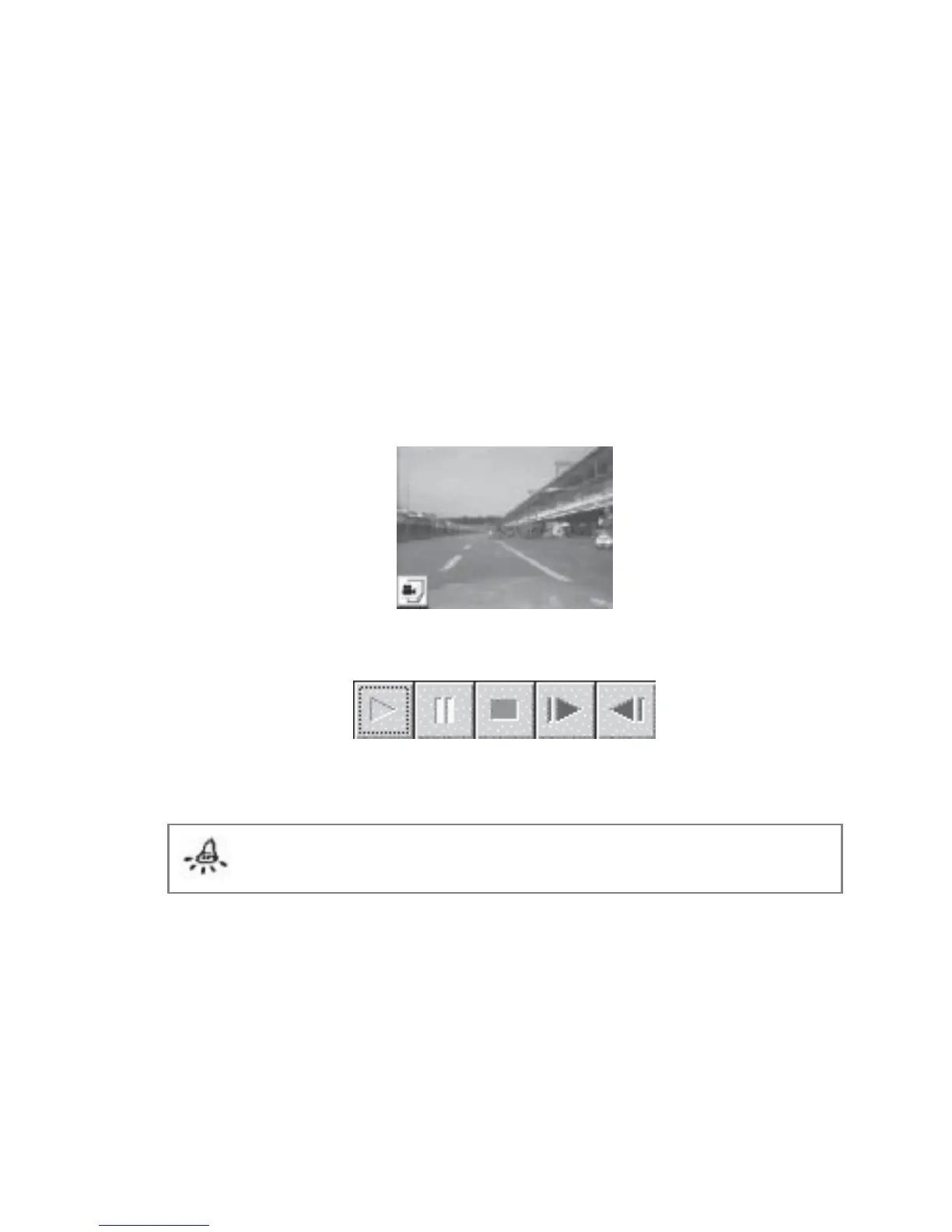
When a video file is inserted, the video object image (the first frame of the video) will
appear on the page (Fig 4.11.1). To preview:
1. On the album page, move your mouse cursor over the video icon at the left bottom
corner of the video frame.
2. Your mouse cursor will change into a green play button. Click your left mouse button
and the video will play.
3. A set of video control buttons (Fig 4.11.2) will appear below the video object.
4. Click the left mouse button to stop the video.
Fig 4.11.1 Video Object
Fig 4.11.2 Video Control Buttons
Note: If your video object image shows a black screen, it is likely that the first
frame of the video is blank.



 To Next Page