16
2.4 Starting FlipAlbum
®
6
If you have accepted the default options in the installation process, you can start
FlipAlbum
®
6 by using the following method:
For FlipAlbum
®
6 Pro,
1. Go to Start->Programs->E-Book Systems->FlipAlbum
6 Pro.
2. Click FlipAlbum
Pro.
For FlipAlbum
®
6 Suite,
1. Go to Start->Programs->E-Book Systems->FlipAlbum
6 Suite.
2. Click FlipAlbum
Suite.
For FlipAlbum
®
6 Standard,
1. Go to Start Start->Programs->E-Book Systems->FlipAlbum
6 Standard.
2. Click FlipAlbum Standard.
Product Activation:
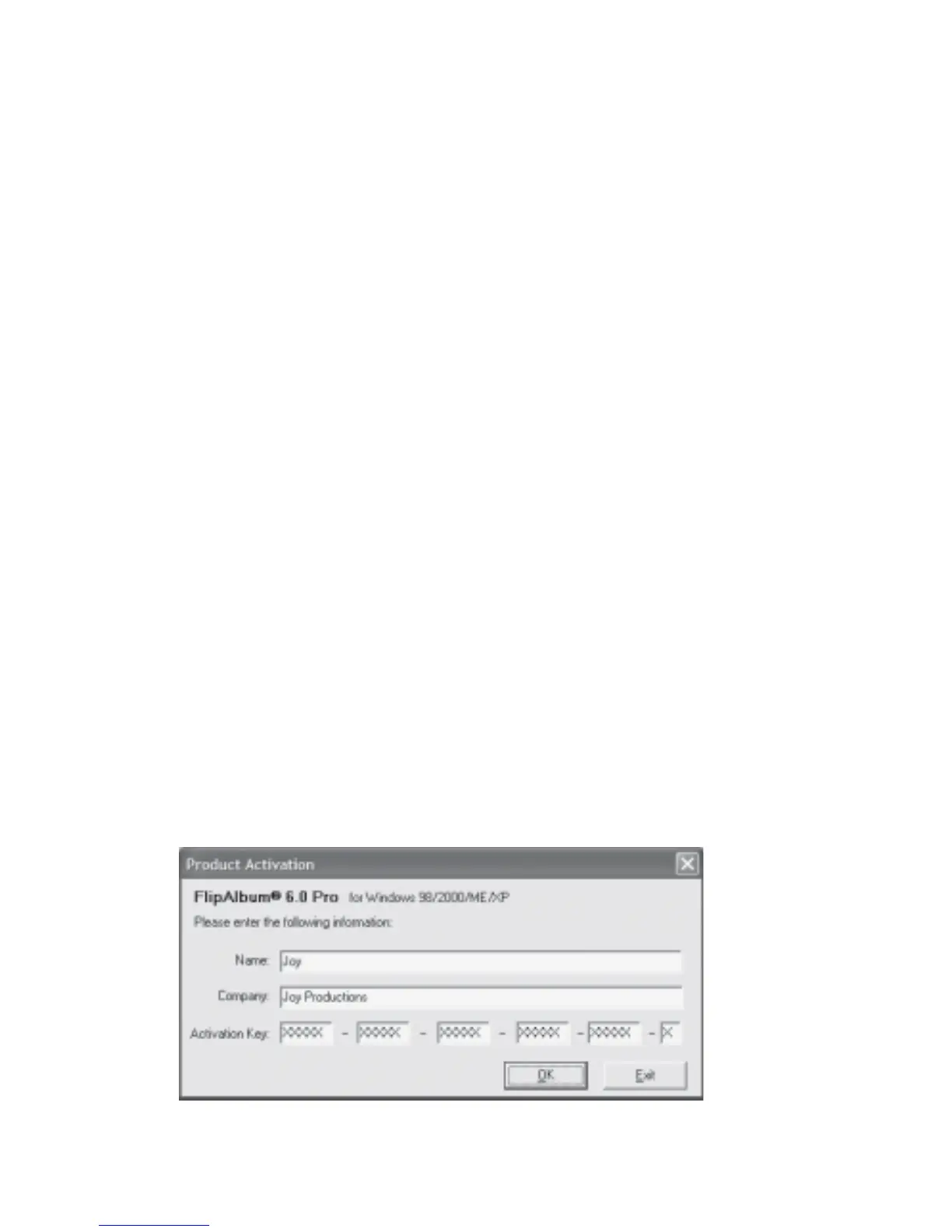
At first launch, you will need to activate the program (Fig 2.4.1).
1. Enter your Name.
2. Enter your Company name, if any.
3. Enter the Product Activation Key. If you have downloaded FlipAlbum
®
6, the Product
Activation Key (PAK) is emailed to you at the email address provided by you. If you
have ordered a box copy of FlipAlbum
®
6, the PAK can be found on the CD cover.
Fig 2.4.1 Product Activation



 To Next Page