116
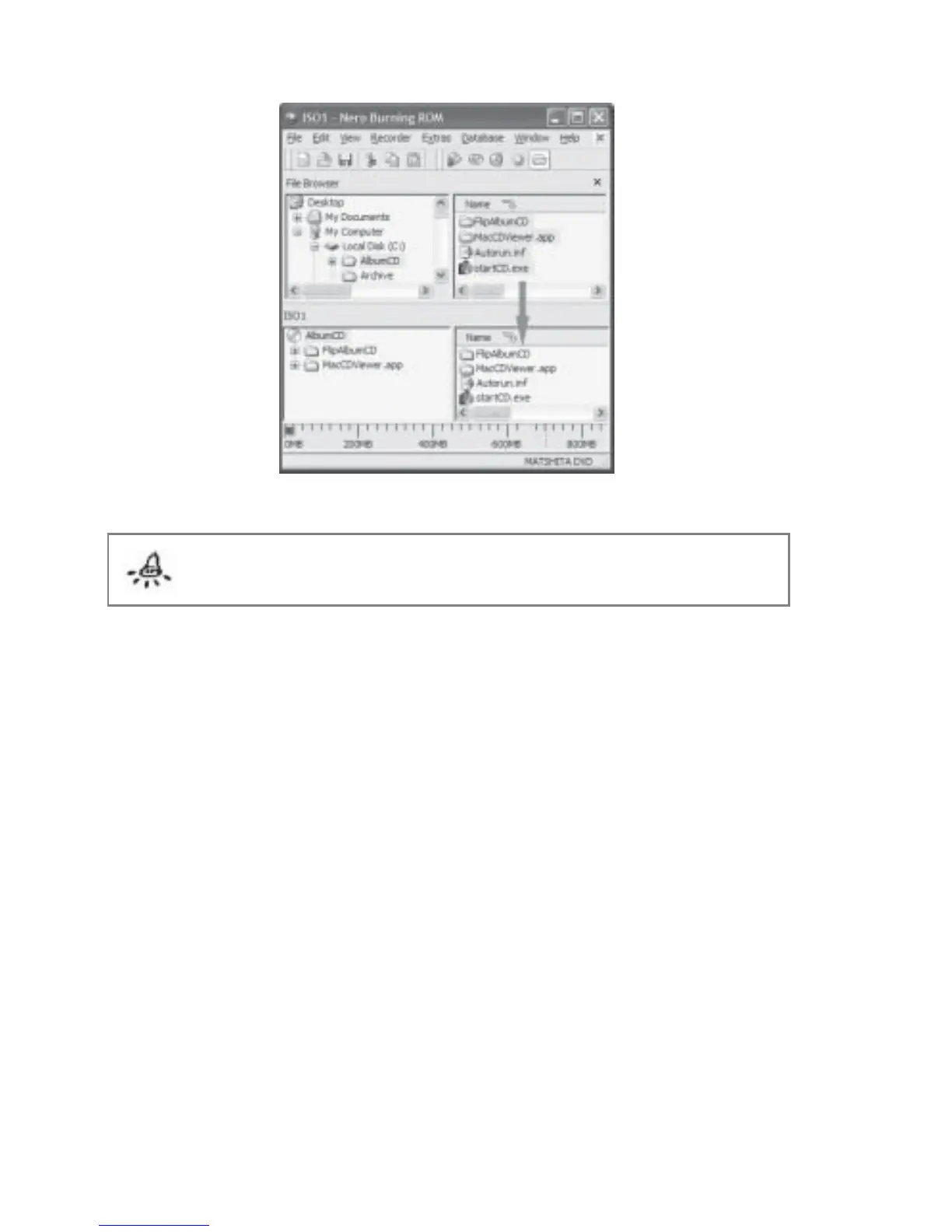
Fig 7.7.9 Nero Dialog Box
Note: This section is applicable only to FlipAlbum
®
6 Suite and Pro users only
7.8 Export Multi-Albums to CD
With FlipAlbum
®
6 Suite/Pro, you can now export more than 1 album onto the same CD.
If you only intend to export one album onto the CD, you have the choice of following the
instructions described in Section 7.7 Export Album to CD or follow the instructions in this
section. You can only export multiple albums if you have previously saved these albums
(.OPF files) in your hard drive. Your albums will be displayed on a book shelf for selection.
To export multi-albums to CD:
1. Click CD Maker on the menu bar and click Create Album CD.
2. The Create Album CD dialog box will be displayed (Fig 7.8.1).



 To Next Page